55
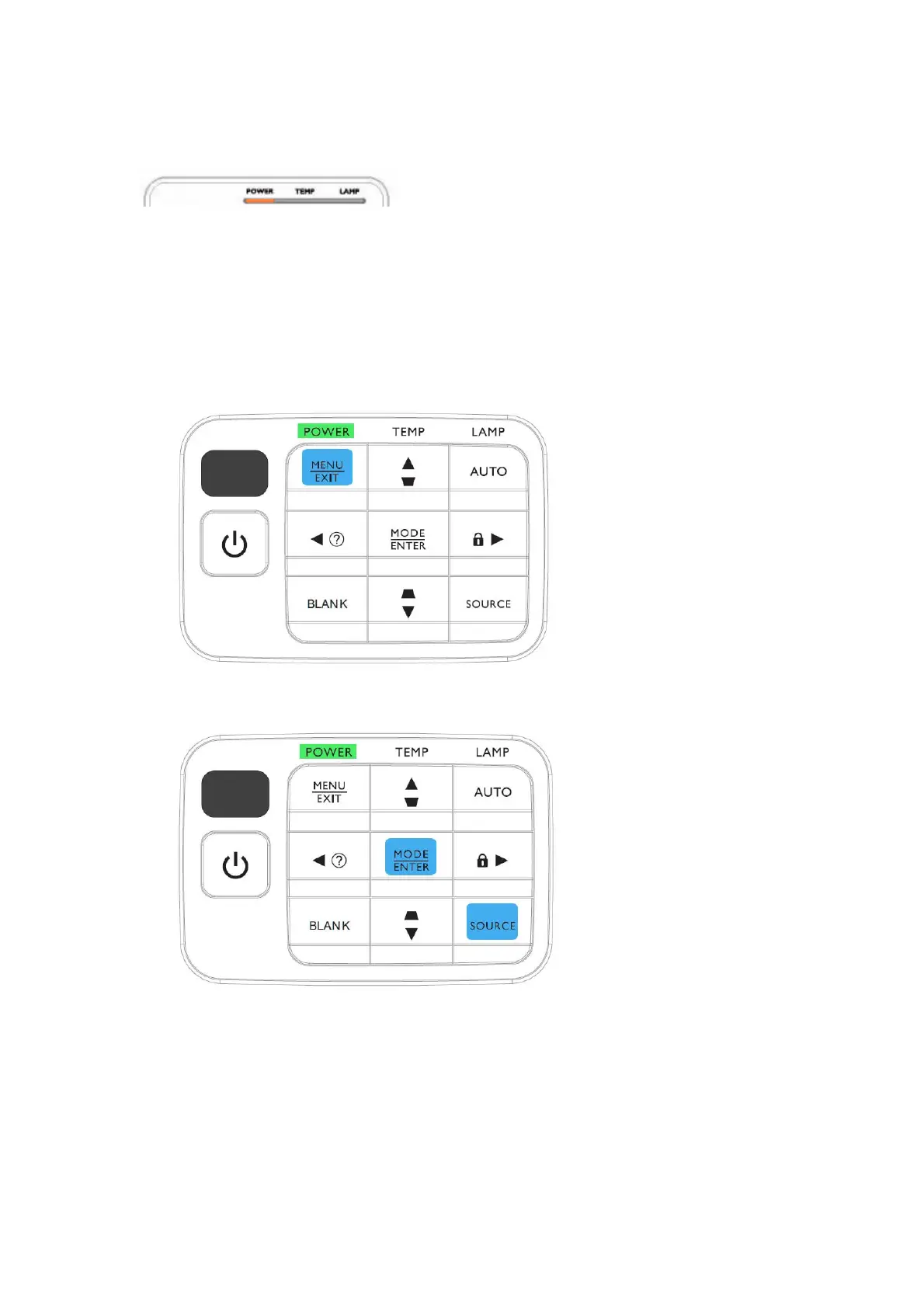
11. When download complete, LED signal on projector will show standby status (orange light
continuously).
Method to enter factory menu:
1. Press Menu/EXIT on keypad than the main menu popup
2. When showing main menu, press Source + Mode/ENTER at the same time
3. Factory menu popup at the top-left of display



 To Next Page