45
Software/Firmware Upgrade Process
A. Basic Operating
(a) Standby Mode:
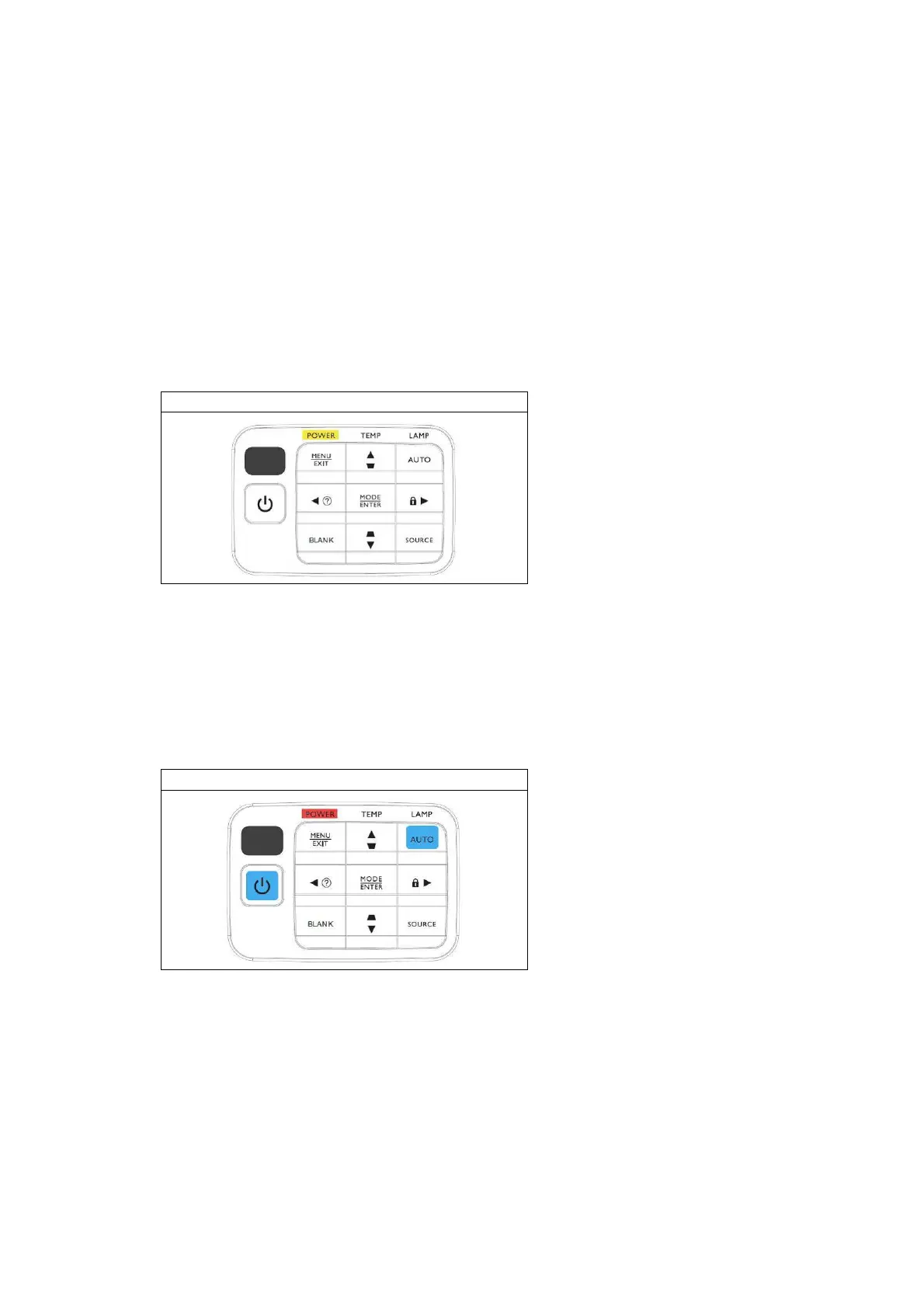
User can just plug in power cord, then projector will enter standby mode. Power LED will
show Red for around 1 sec, then show Orange continuously as the figure below shown. When
the power LED shows Red, it means system is not ready for standby. In another word, if the
power LED shows Orange, it means system is in standby mode and the DLP system has no
power support, except MCU and its related circuits.
When standby mode, system power consumption will be less than 1 Watt.
User can turn on projector after plugging in power cord whatever the power led is red or
orange.
Standby Mode
(b) Download Mode:
This mode is applied for firmware download.
If operator wants to enter this mode, he should press and hold keypad-POWER and
Keypad-AUTO at the same time, then plug in power cord. Release the two keypads. Power LED
will show Red continuously as the figure below shown. In download mode, system will be
supported by full power but will not turn on projector. Operator can use DLP composer to
download new firmware.
Download Mode



 To Next Page