46
(c) Power On:
User can press Keypad Power to turn on projector. User can also use IR remote control and
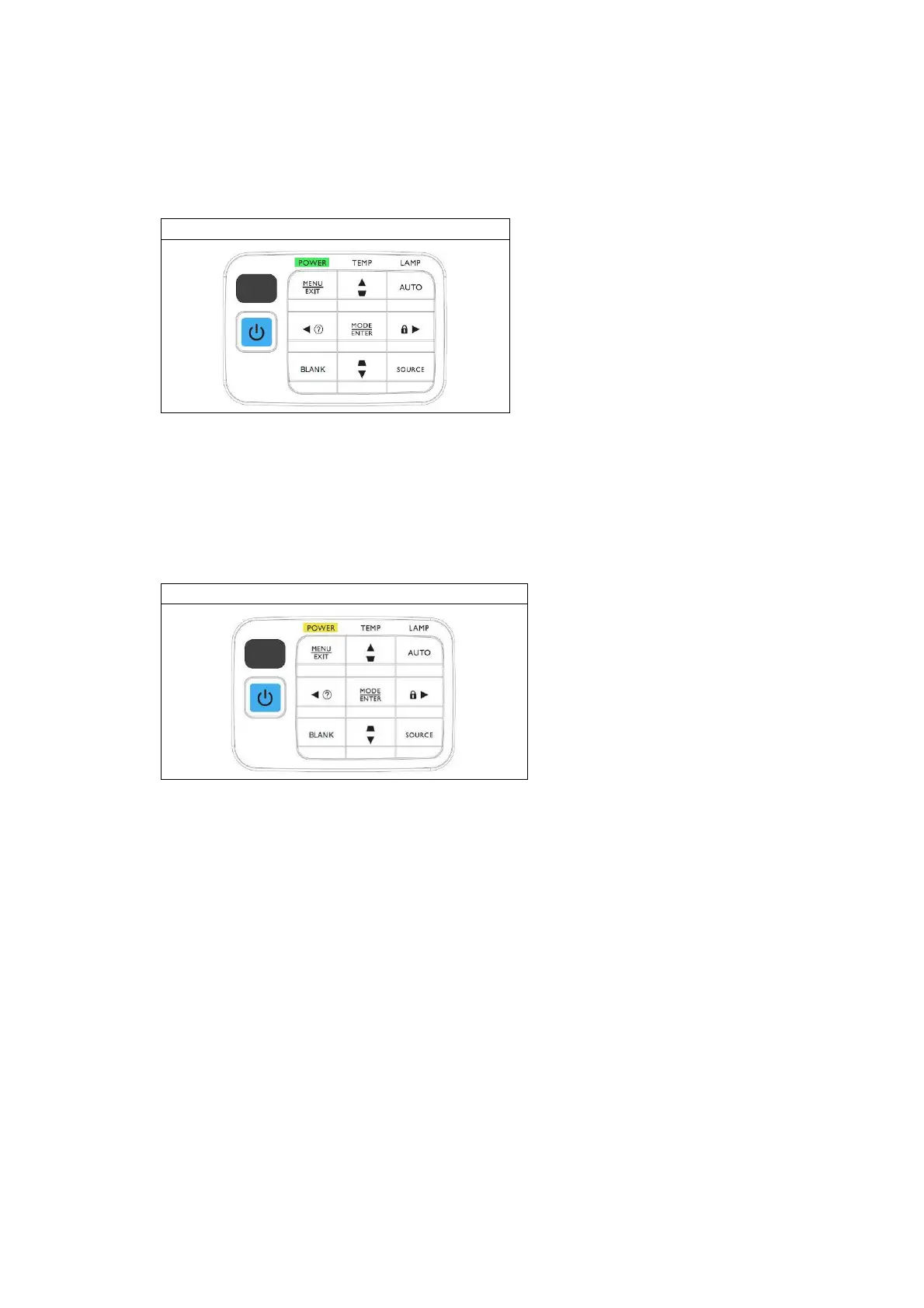
RS-232 Command:<CR>*pow=on#<CR> to do this action. When turning on, power LED will
flash Green as the figure below shown.
Power On
(d) Power Off:
If user wants turn off projector, user can double click keypad Power, use IR remote control,
or RS-232 Command:<CR>*pow=off#<CR>. Then, system will cool itself via fans for 30 or 90
secs.
During cooling, Power LED will flash Orange. After cooling, System will return to standby
mode and Power LED will become Orange as the figure below shown.
Power Off



 To Next Page