61
3. PC Alignment Procedure
Equipment:
- Pattern generator
OSD Default value:
Item Value
Cal R Offset 512
Cal G Offset 512
Cal B Offset 512
Cal R Gain 1300
Cal G Gain 1300
Cal B Gain 1300
YPbPr R Offset 512
YPbPr B Offset 512
Procedure:
1. Connect power cord and PC D-sub source into projector.
2. Turn on projector.
3. Change Timing of pattern generator:
Timing: 1024*768 @60Hz (XGA models)
800*600@60Hz (SVGA models)
4. Change Pattern of pattern generator:
Pattern: Full frame pattern, ex.pattern1
5. Press “Auto” to catch the full screen
6. Change Pattern of pattern generator:
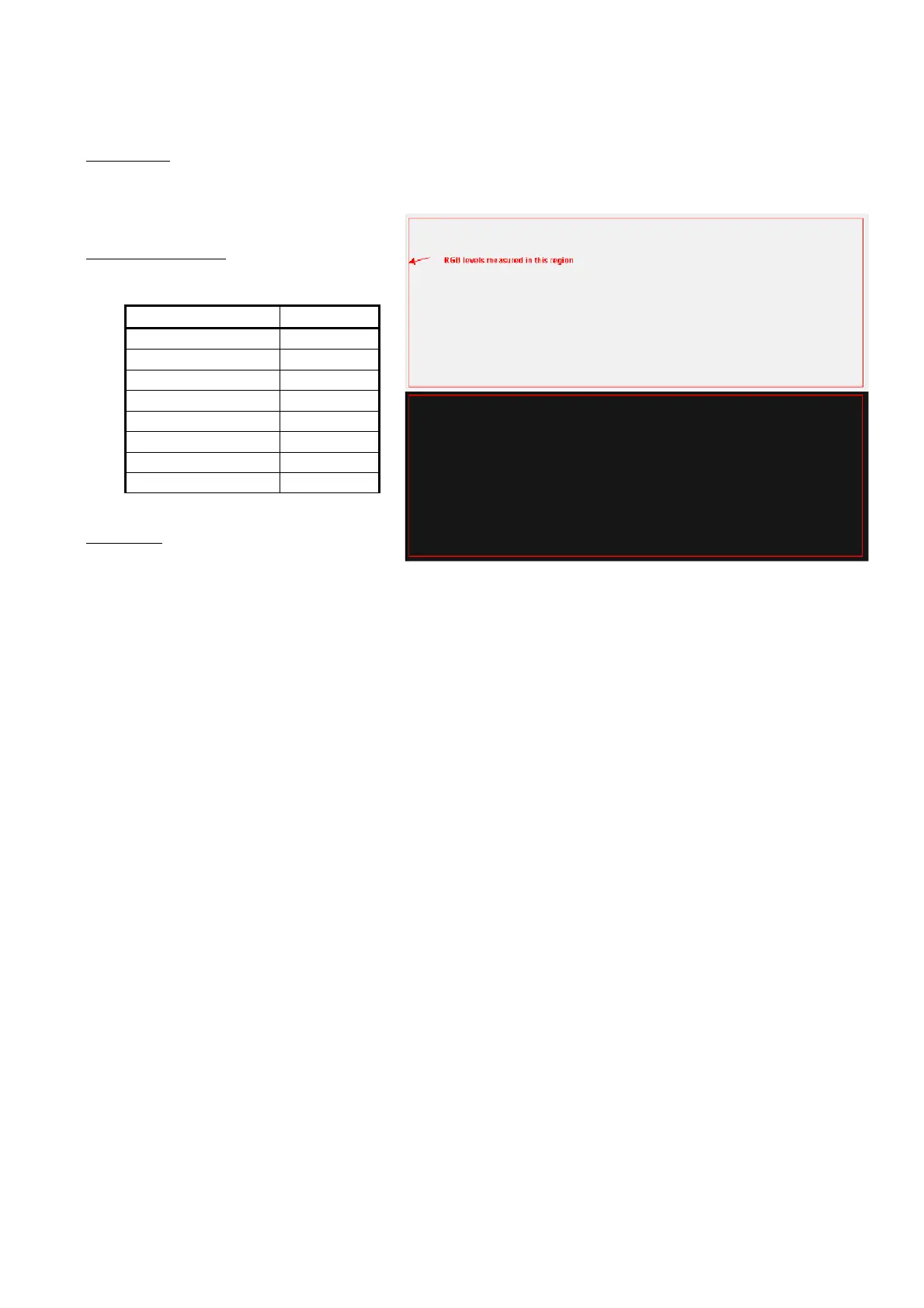
Pattern: A near white color (240,240,240) and a near black color(16,16,16)
7. Enter Factory mode, block 3
8. Press “Calibration RGB <Press L or R>” to let the black level to just distinguish, and the
light output of white level to just max.
9. Check the 32 levels of gray. All steps must appear.
10. Done



 To Next Page