Operation44
Using the teaching templates
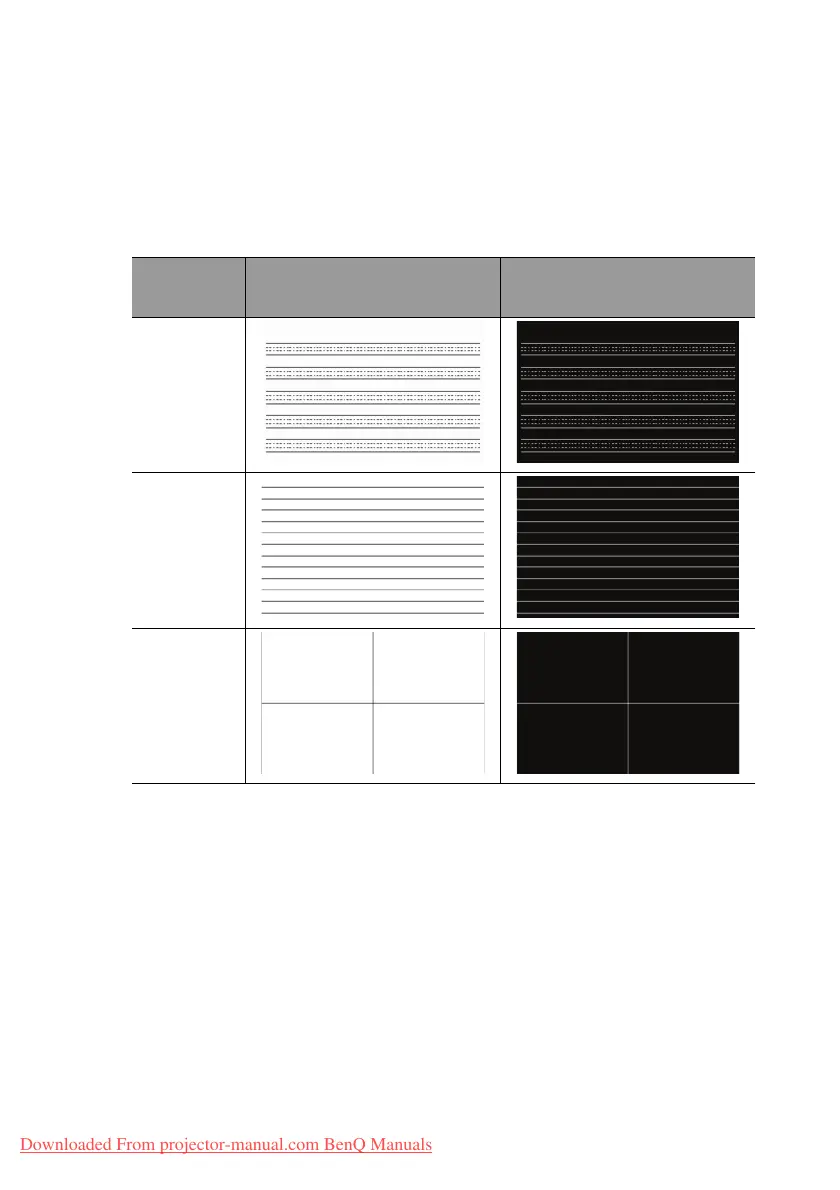
The projector provides several preset patterns for various teaching purposes. To activate
the pattern:
1. Open the OSD menu and go to the Display > Teaching Template and press ▲/▼
to select Blackboard or Whiteboard.
2. Press ◄/► to choose the pattern you need.
3. Press MODE/ENTER to activate the pattern.
Using the quick install
The projector provides a hot key to set Projector Installation, Test Pattern, and
Keystone quickly.
Press Quick Install on the remote control and press ▲/▼ to select:
• Projector Installation: See
"Positioning your projector" on page 19
.
• Test Pattern: See
"Using the test pattern" on page 43
.
• Keystone: See
"Correcting 2D Keystone" on page 27
.
Teaching
Te m p l a t e
Whiteboard Blackboard
Letter
Formation
Worksheet
Coordinate
Chart
Downloaded From projector-manual.com BenQ Manuals



 To Next Page