Positioning your projector 15
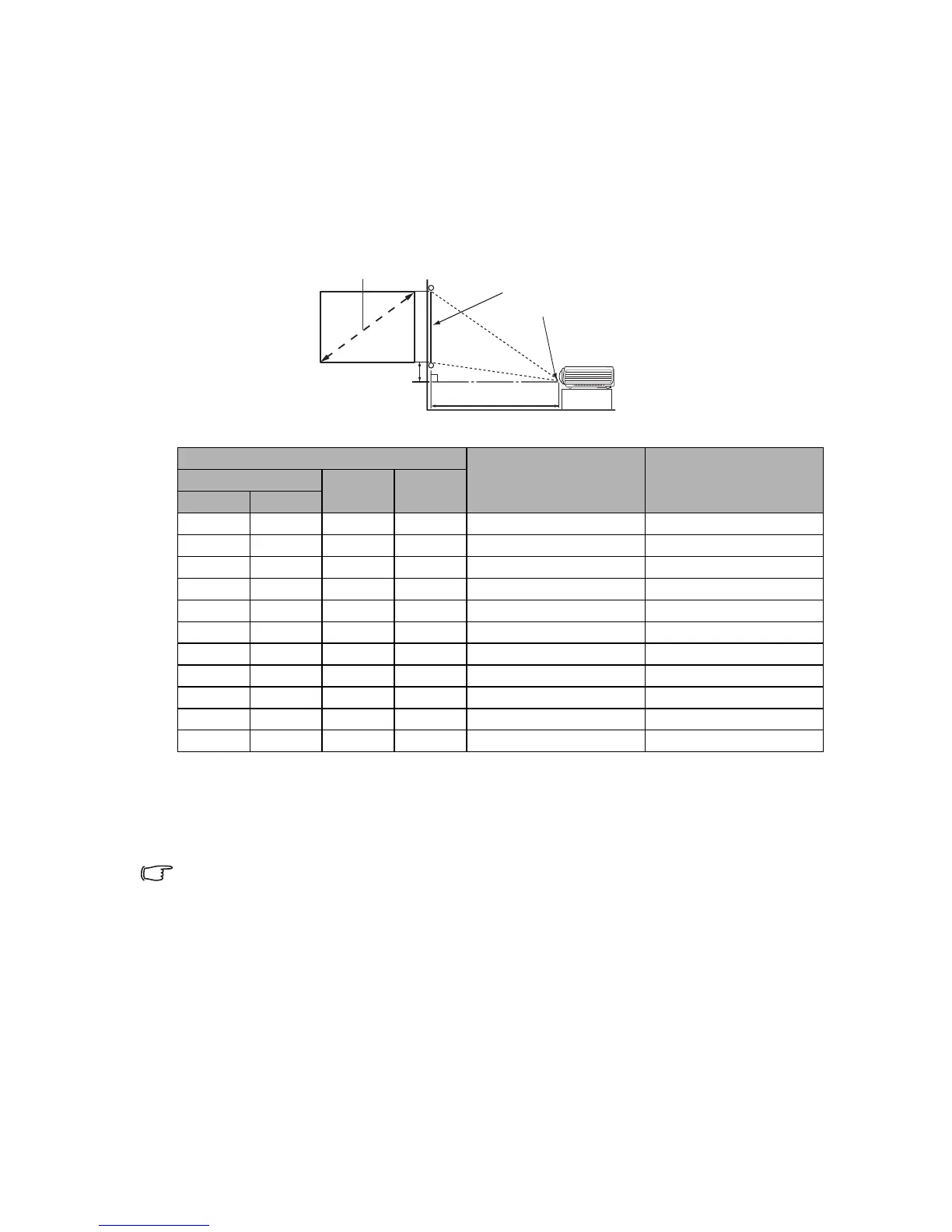
Obtaining a preferred projected image size
The distance from the projector lens to the screen, the zoom setting, and the video format
each factors in the projected image size.
Projection dimensions
Refer to "Dimensions" on page 53 for the center of lens dimensions of this projector before
calculating the appropriate position.
The screen aspect ratio is 4:3 and the projected picture is in a 4:3 aspect ratio
For example, if you are using an 120-inch screen, the recommended projection distance is
1487 mm and the vertical offset is 274 mm.
If your measured projection distance is 2.5 m (2500 mm), the closest match in the "(b)
Distance from screen" column is 2479 mm. Looking across this row shows that a 200''
(about 5.1 m) screen is required.
All measurements are approximate and may vary from the actual sizes.
BenQ recommends that if you intend to permanently install the projector, you should physically test the
projection size and distance using the actual projector in situ before you permanently install it, so as to make
allowance for this projector's optical characteristics. This will help you determine the exact mounting position
so that it best suits your installation location.



 To Next Page