Operation 33
Using the teaching templates
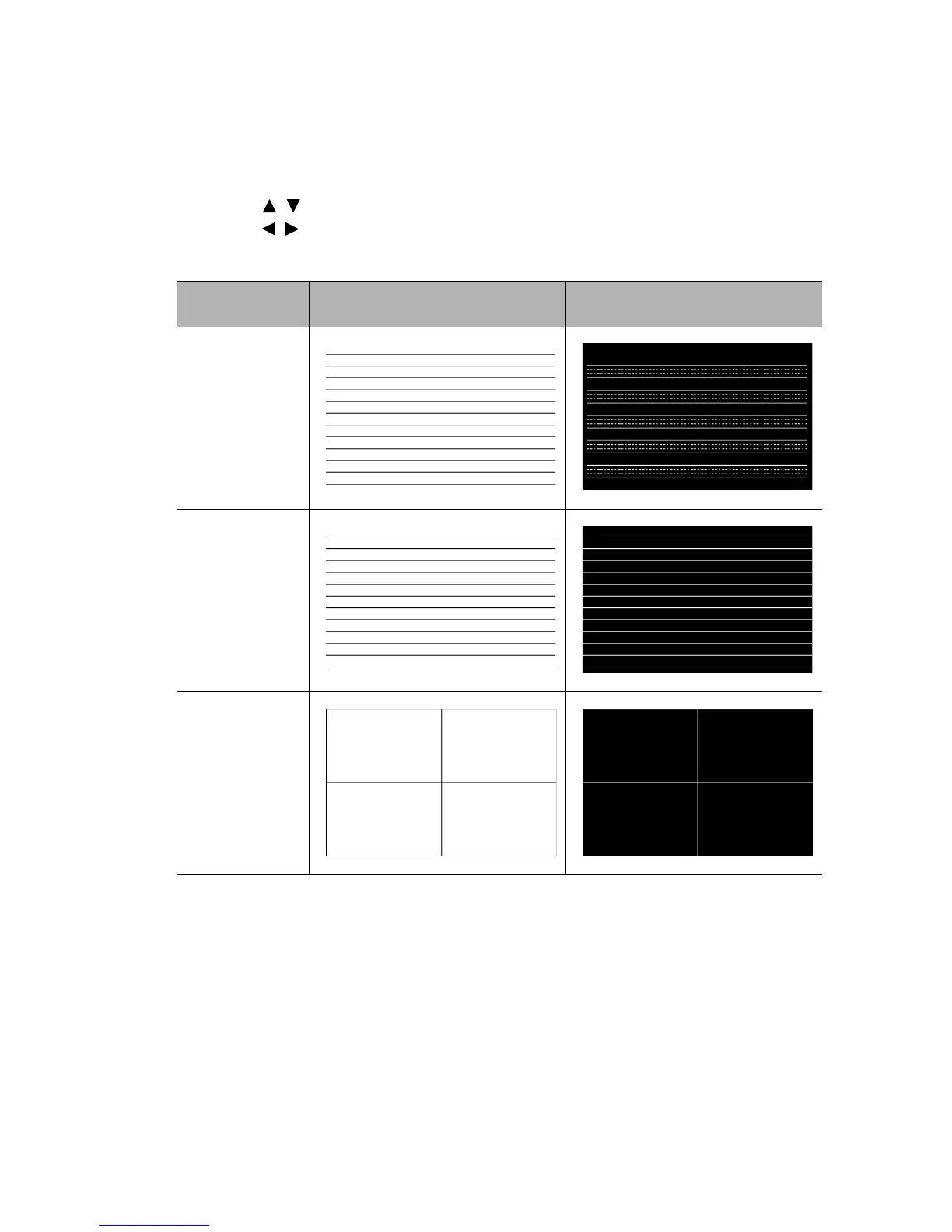
The projector provides several preset patterns for various teaching purposes. To activate
the pattern:
1. Open the OSD menu and go to the DISPLAY > Teaching Template menu and
press / to select Blackboard or Whiteboard.
2. Press / to choose the pattern you need.
3. Press MODE/ENTER to activate the pattern.
Teaching
Template
Whiteboard Blackboard
Letter
Formation
Worksheet
Coordinate
Chart



 To Next Page