16 Positioning your projector
Fine-tuning the image clarity
Correcting keystone
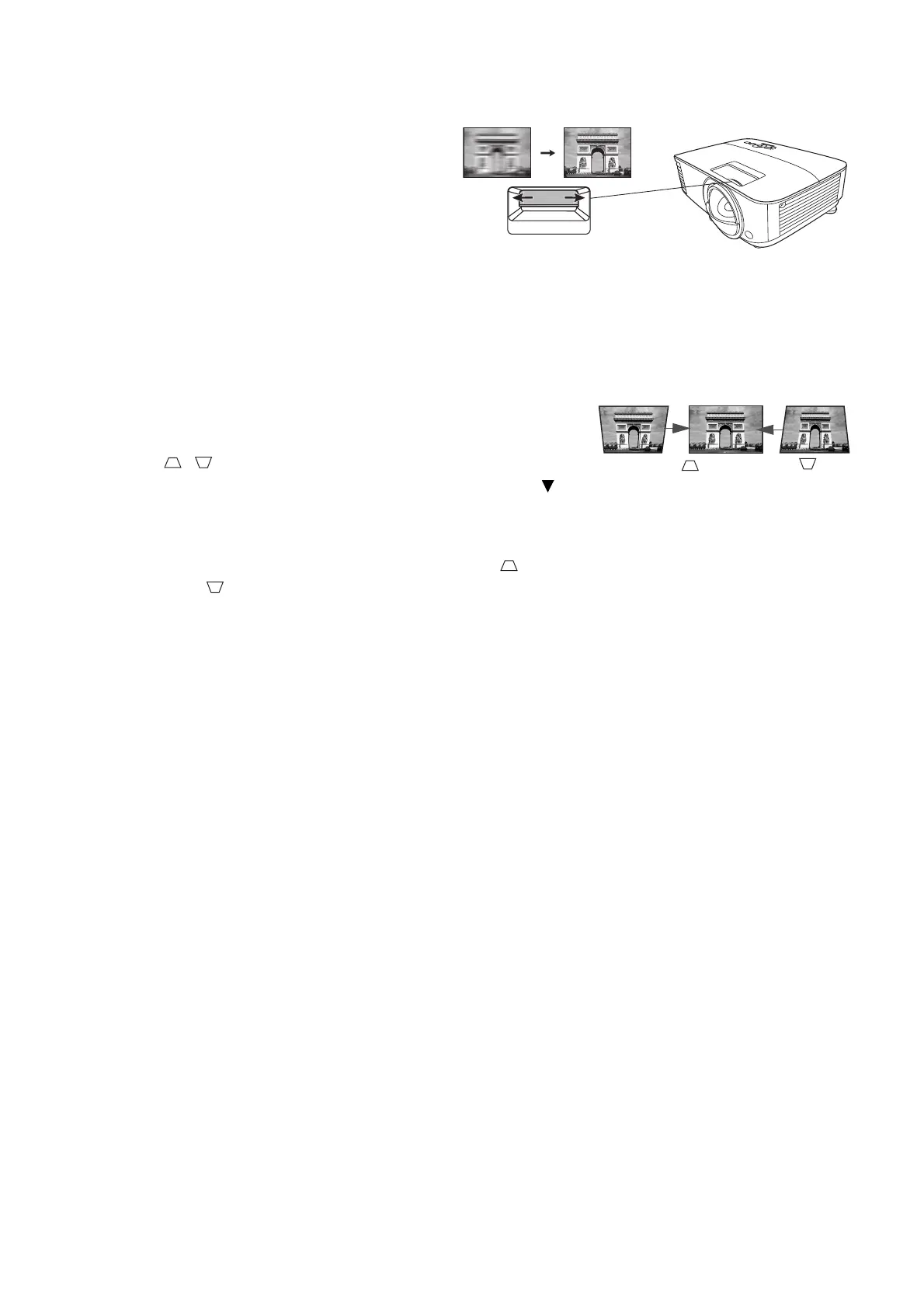
Keystoning refers to the situation where the projected image becomes a trapezoid due to angled
projection.
To correct this, you will need to manually correct it following these steps.
1. Do one of the following steps to display the keystone
correction page.
• Press / on the projector or remote control.
• Press QUICK INSTALL on the remote control. Press to
highlight Keystone and press OK.
• Go to Advanced Menu - Display > Keystone and press OK.
2. After the Keystone correction page displays. Press to correct keystoning at the top of the
image. Press to correct keystoning at the bottom of the image.
Sharpen the image by rotating the focus ring.



 To Next Page