Operation16
Operation
Start Up
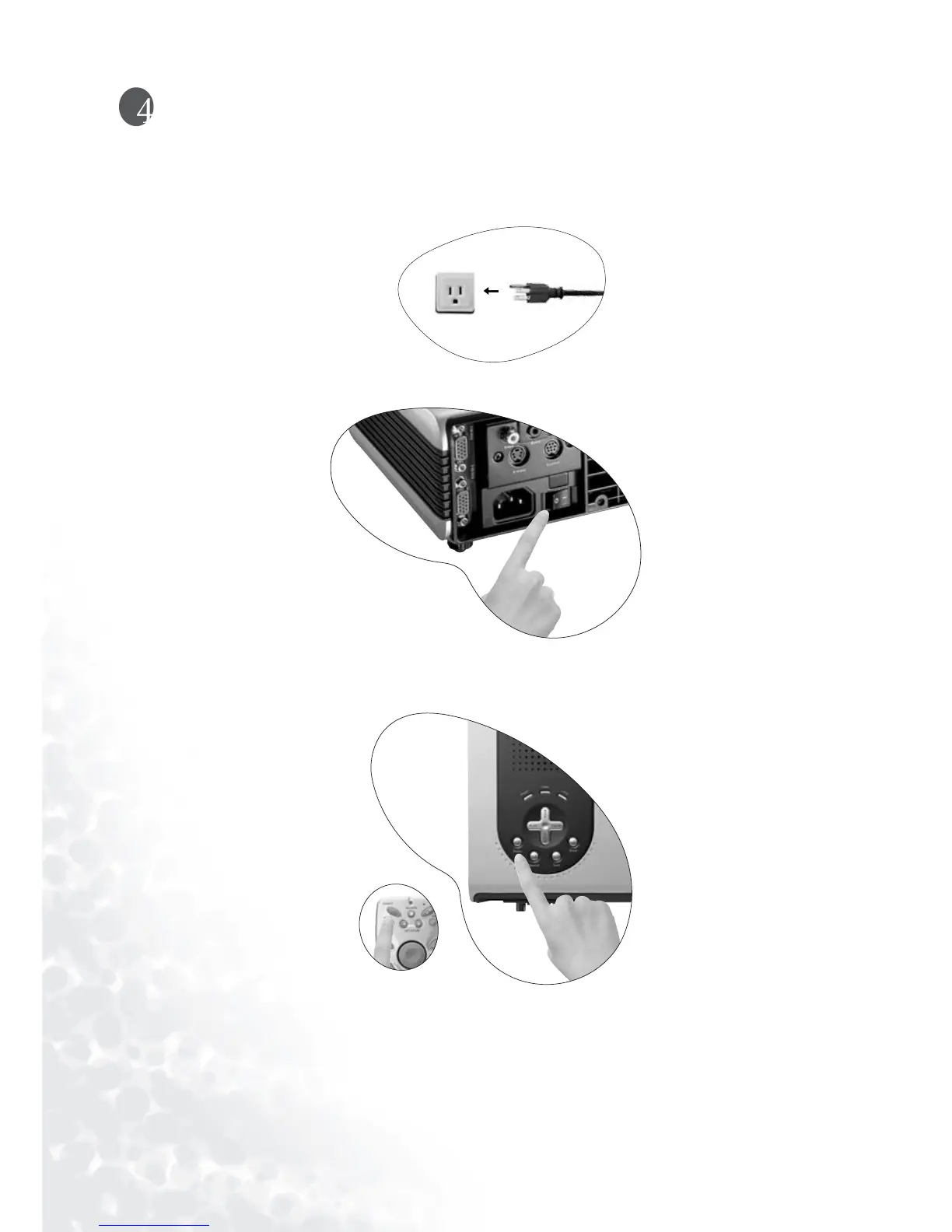
1. Plug the power cord into the projector and into a wall socket.
2. Turn the main power switch on.
3. Press and hold POWER to start the unit. The back-lit POWER key flashes green and
stays green when the power is turned on.
(When the power is turned off, there is a 90-second cooling period before the projector can
be re-started.)
4. Switch on all connected equipment.



 To Next Page