Operation22
3. Source Menu
FUNCTION DESCRIPTION
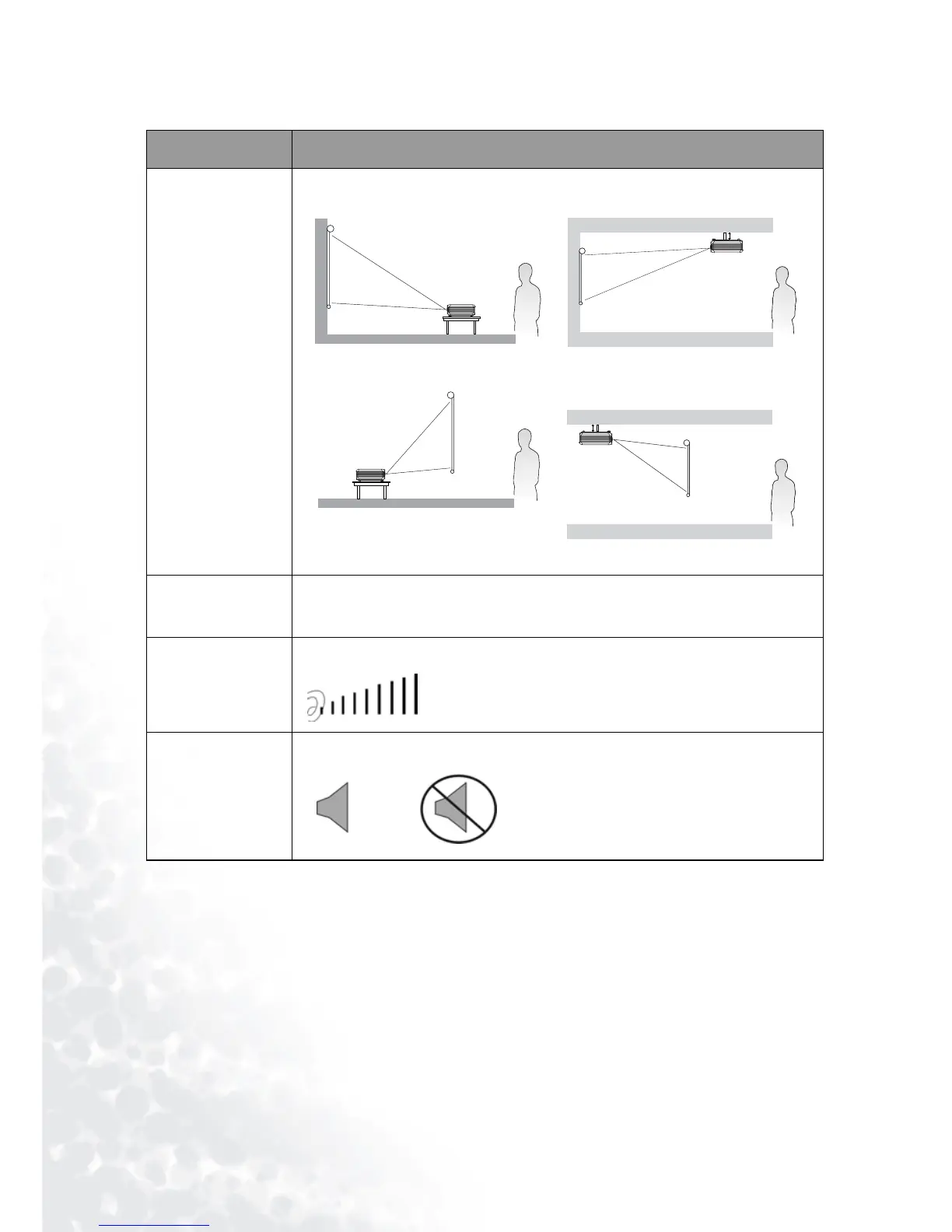
Mirror
Source
Shows the input source from among RGB-1, RGB-2, YPbPr, S-Video
and Video when several sources are available.
Vol um e
Adjusts the volume level.
Mute
1. Default
3. Rear screen projection
2. Ceiling mounted projection
4. Ceiling mounted and rear-
screen projection
Off
On



 To Next Page