Maintenance 29
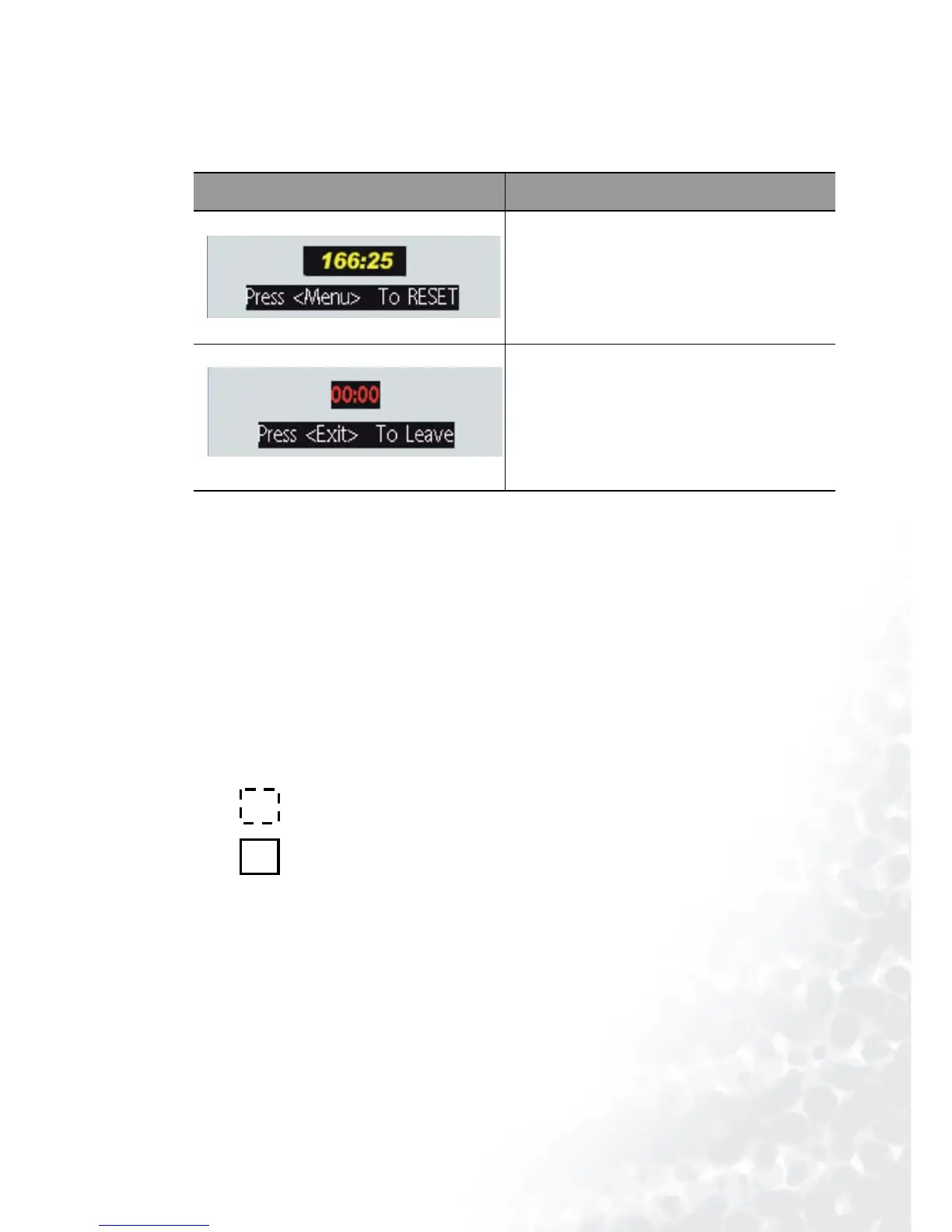
Resetting Lamp Hours
If you replace the lamp after 2000 hours of operation, please follow the instructions below
within 10 minutes of powering on.
Temp I nfo r m a tion
When the LED lights up, it is warning you of the following possible problems:
1. The internal temperature is too high.
2. The fans are not working.
Turn the projector off and contact qualified service personnel for further help.
For more detailed information, please refer to "LED Indicator Status & Illustration" on page
29.
LED Indicator Status & Illustration
llustration
1. - : LED OFF
2. : LED blinking
3. : LED solid ON
4.
O : LED lights up orange.
5.
R : LED lights up red.
6.
G : LED lights up green.
OSD FUNCTION
Press and hold the Exit button on the pro-
jector for 3 seconds to display the total used
lamp time.
• Press the MENU button on the
projector during the lamp hour
message. An adjustment message will
appear.
•Press W or X to reset lamp hours or
press EXIT to leave.



 To Next Page