Operation26
Shutdown
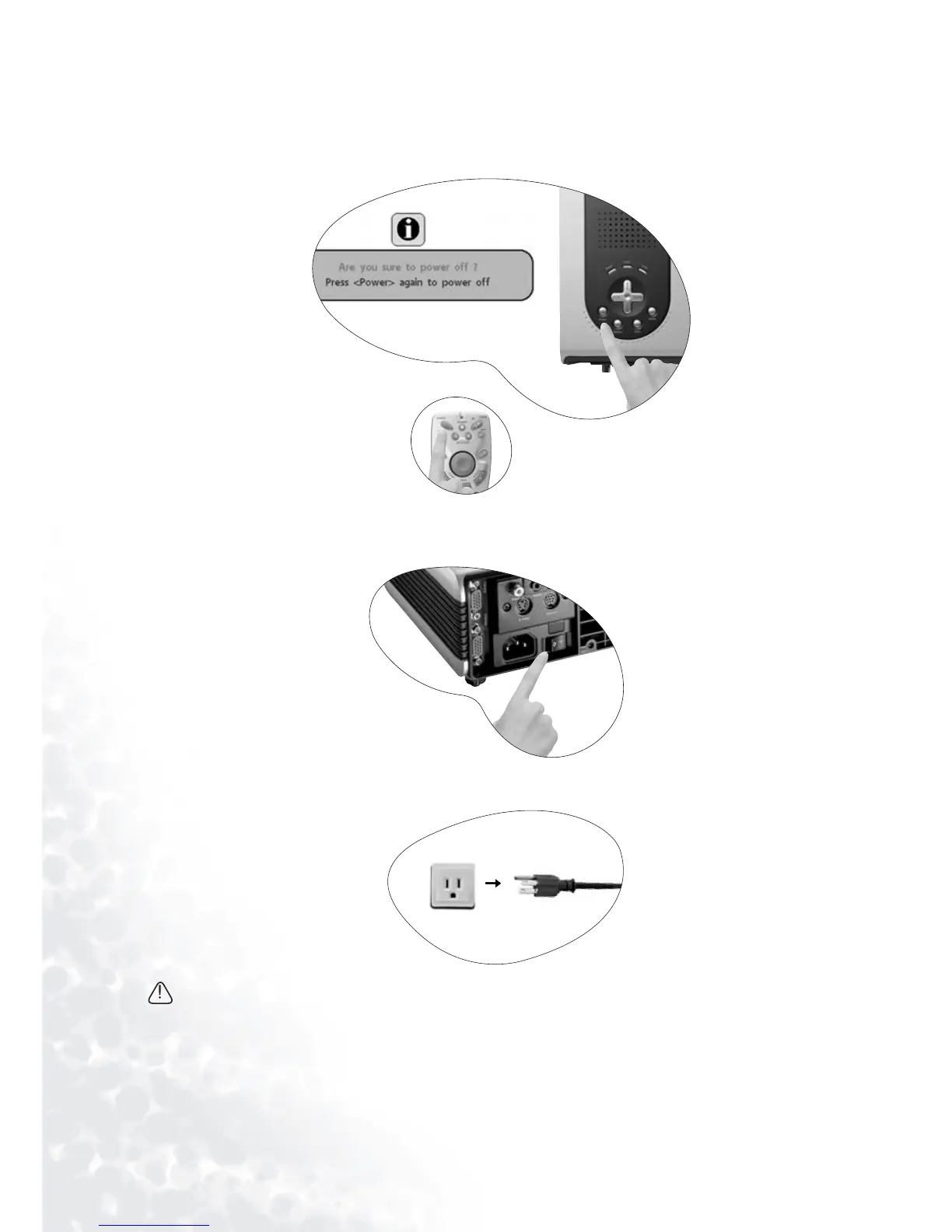
1. Press and hold POWER and a warning message will appear. To turn the projector off,
press and hold POWER again.
2. The fan will continue to run for approximately 90 seconds.
3. Turn the main power switch off.
4. Disconnect the power cord from the wall socket.
Do not unplug the power cord before the projector shutdown sequence is complete or during
the 90-second cooling down process.
If the projector is not properly shut down, to protect the lamp, the system will detect this and
cool the lamp for 90 seconds automatically before turning on again.



 To Next Page