Operation18
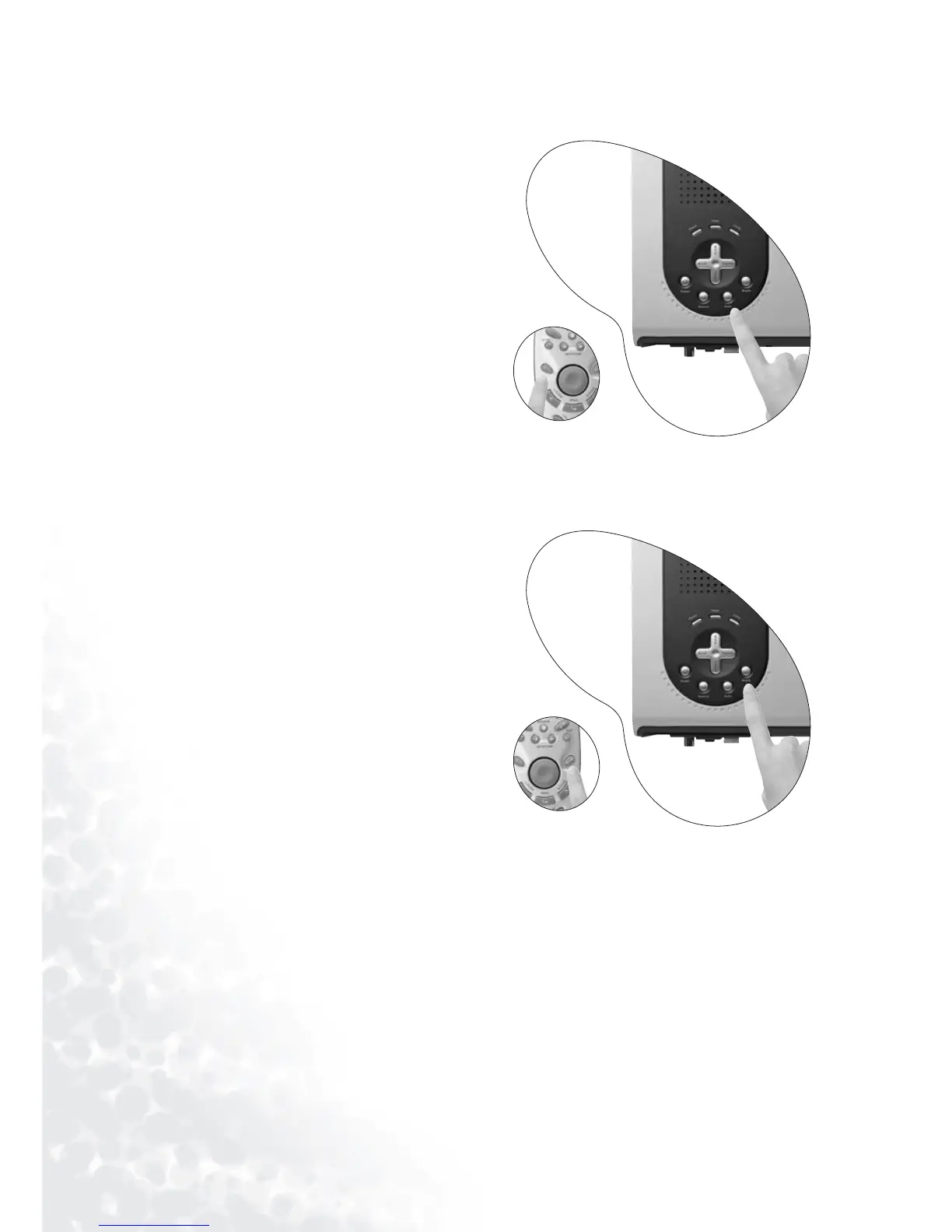
Auto Adjustment
In some cases, you may need to optimize the
picture quality. To do this, press the AUTO
key on the control panel of the projector or
on the remote control. Within 3 seconds,
the built-in Intelligent Auto Adjustment
function will re-adjust settings to provide
the best picture quality.
Blank
Use Blank to hide the screen image. You can
press Blank again or Return to restore the
image.



 To Next Page