Preparation for Setup 11
Mounting PT01
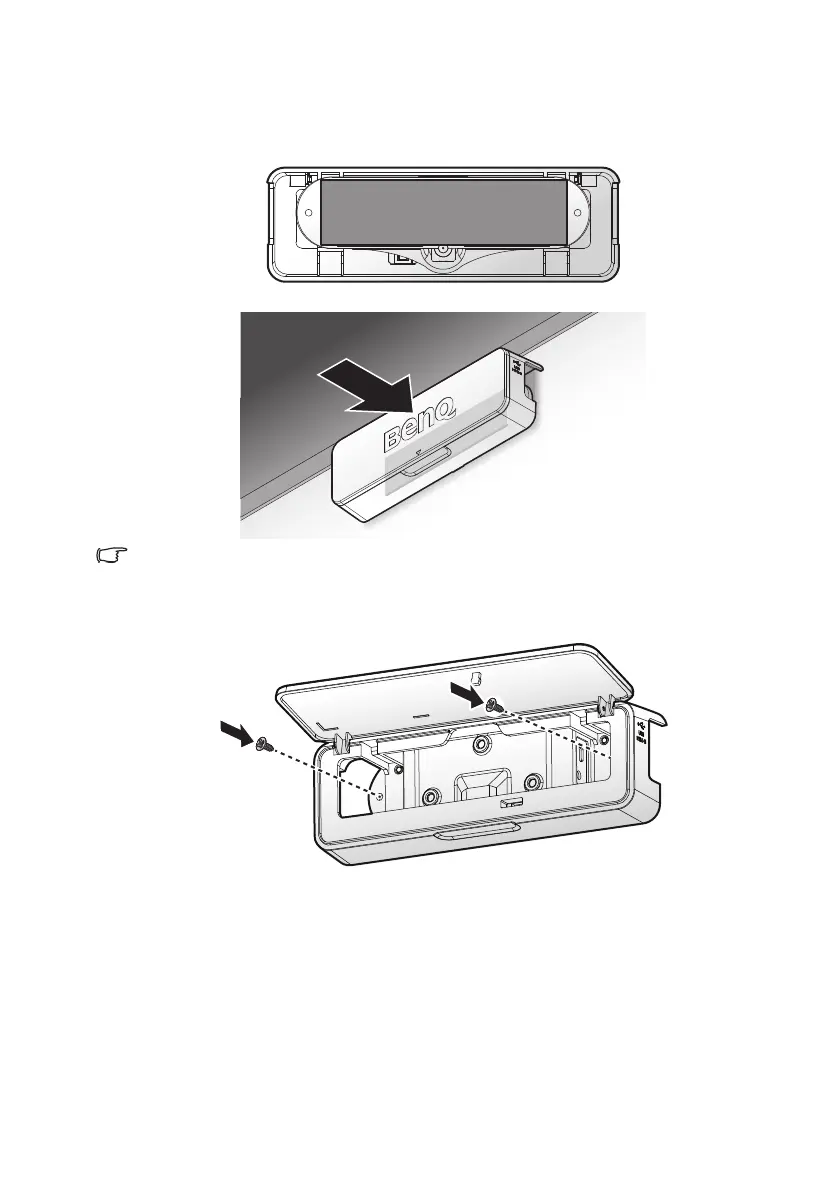
1. Install the adhesive tape on the rear side of the PointWrite touch
module.
2. Following the instructions above to position the PT01 on the screen.
3M double tape (thickness: 1mm) is recommended.
3. Turn over the front cover.
4. Secure the PT01 to the wall with screws.
5. Refer to page 13 for alignment adjustment.



 To Next Page