8
No. Name Description
8
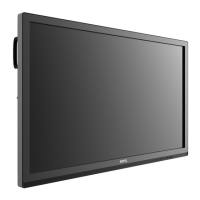
IR signal receiver Receives infrared signals from remote control.
9
Home Returns to the main screen.
10
Return Returns to the previous menu.
11
Menu Enters the function menu.
12
Volume down Decreases the volume.
13
Volume up Increases the volume.
14
Power
• Press to enter energy saving mode.
• Press and hold for 4 seconds to power off.
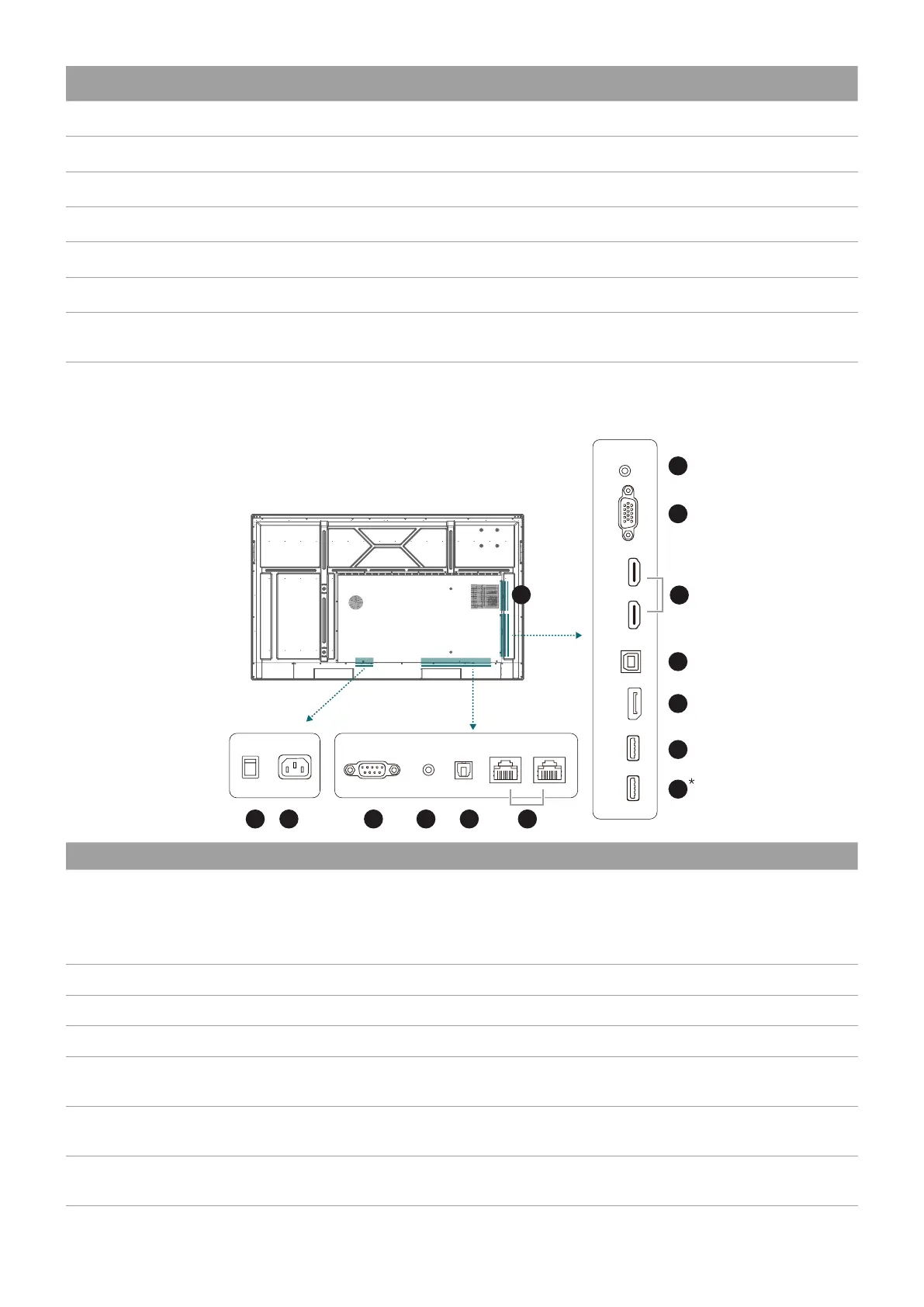
Rear panel
See Connections on page 12 for details.
2 3 4 5 6
7
8
11
10
9
12
13
14
1
RS232
ACON
OFF
EARPHONE
SPDIF
LAN-IN
LAN-OUT
PUBLIC 3.0
3.0
DP
Touch USB
HDMI 1
HDMI 2
VGA PC AUDIO-IN
No. Name Description
1
Power Switch
• When the switch is set to ON (I), the system will enter standby
mode automatically.
• When the switch is set to OFF (O), this will completely cut off
the power supply.
2
Power in Connects with the supplied power cord.
3
RS232 Serial interface, used for mutual transfer of data between devices.
4
Earphone Connects to external speakers or earphones.
5
SPDIF
Connects the SPDIF cable from external audio devices to the
display for audio out.
6
LAN-IN/LAN-OUT
Supports LAN In & Out, 10/100/1000 Mbps for Android system
and OPS.
7
PUBLIC 3.0*
Connects USB-A devices such as keyboards, mouse, and USB flash
drives.


 To Next Page