40
Multimedia les
Multimedia files such as images, audio files, and videos can be played by directly tapping on the
file icon.
Image
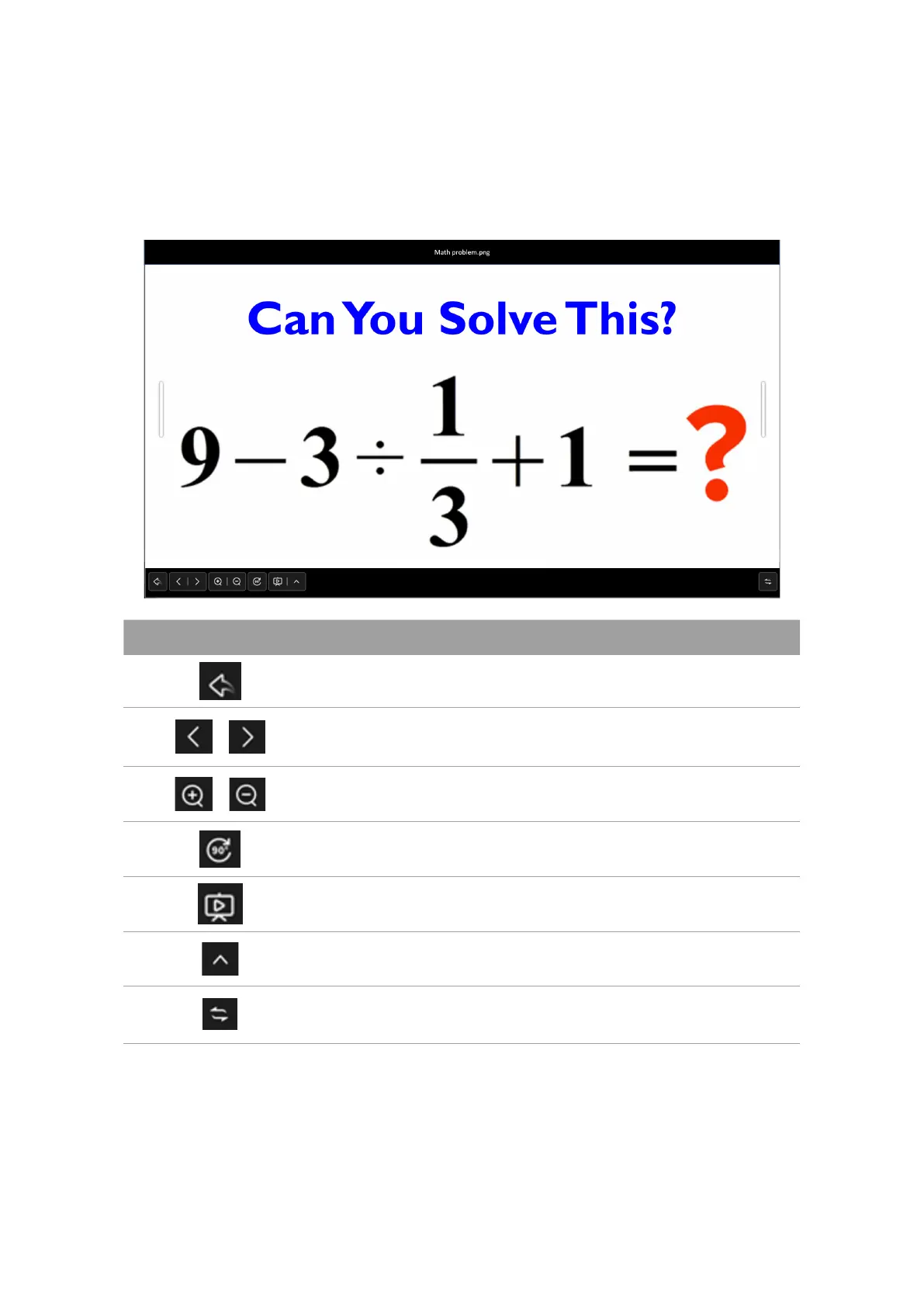
Select an image file you want to show on the display and perform any of the functions shown on
the screen.
Icon Function
Exits the image viewer.
/ Plays the previous/next image file.
/ Magnifies/Shrinks the current image.
Rotates the current image clockwise.
Plays in slideshow mode.
Opens slideshow settings.
Changes the position of toolbar.



 To Next Page