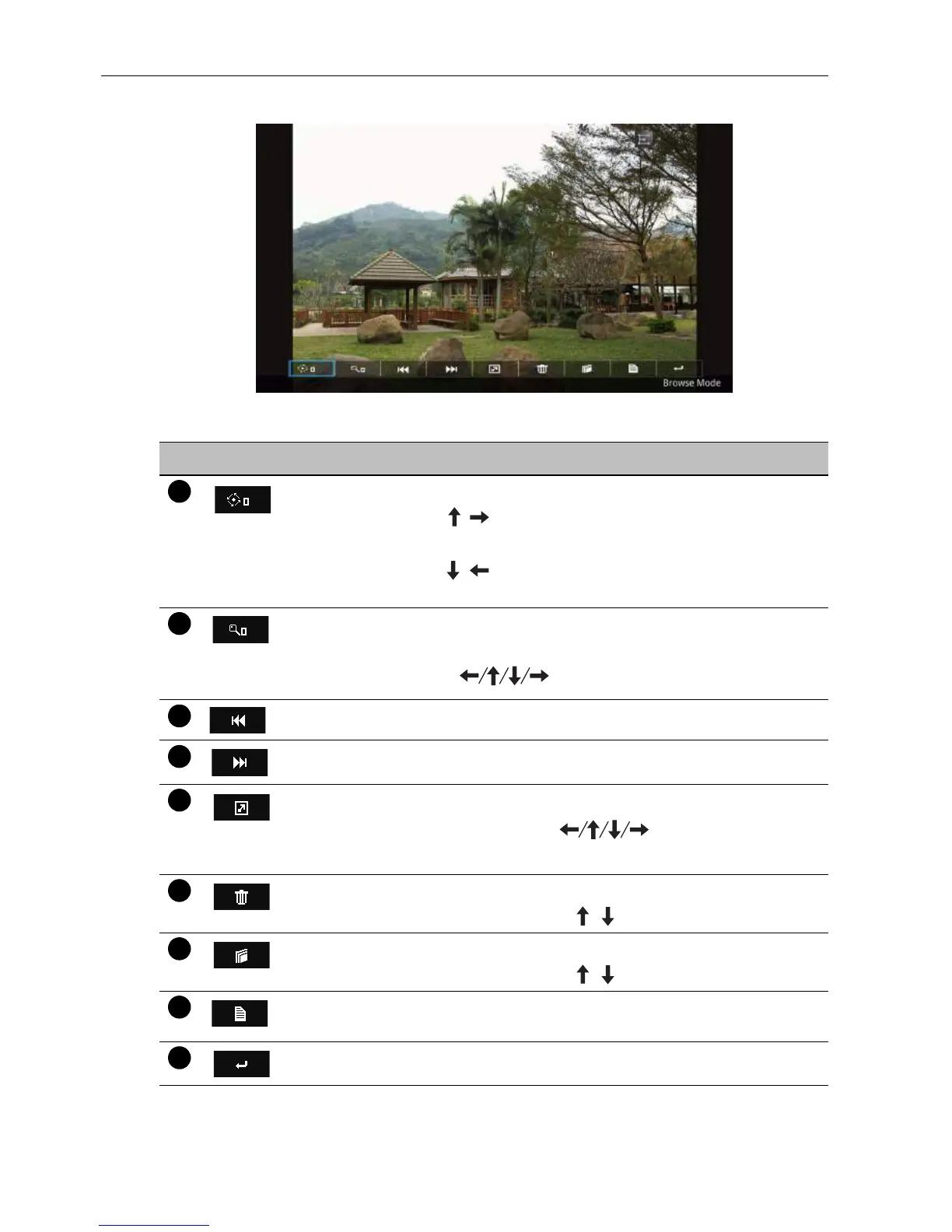
Multimedia OSD operation44
Remote control key function in browse mode
No Icon Description
Rotation
• Press / /ENTER to rotate the picture clockwise (0
> 90 > 180 > 270).
• Press / to rotate the picture counterclockwise (0 >
270 > 180 > 90 > 0).
Zoom
• Press ENTER to zoom in/out on the picture.
• Press to navigate the picture.
Previous photo
Next photo
Slideshow mode
Press ESC/ENTER/ to go back to the
browse mode.
Deletion
Press ENTER and then / to delete the picture.
Duplication
Press ENTER and then / to copy the picture.
Information
Shows the current information of the picture.
Returns to the previous page.



 To Next Page