Multimedia OSD operation 37
MUSIC:
Select the track you want to play and perform the functions as provided on the screen
according to your needs.
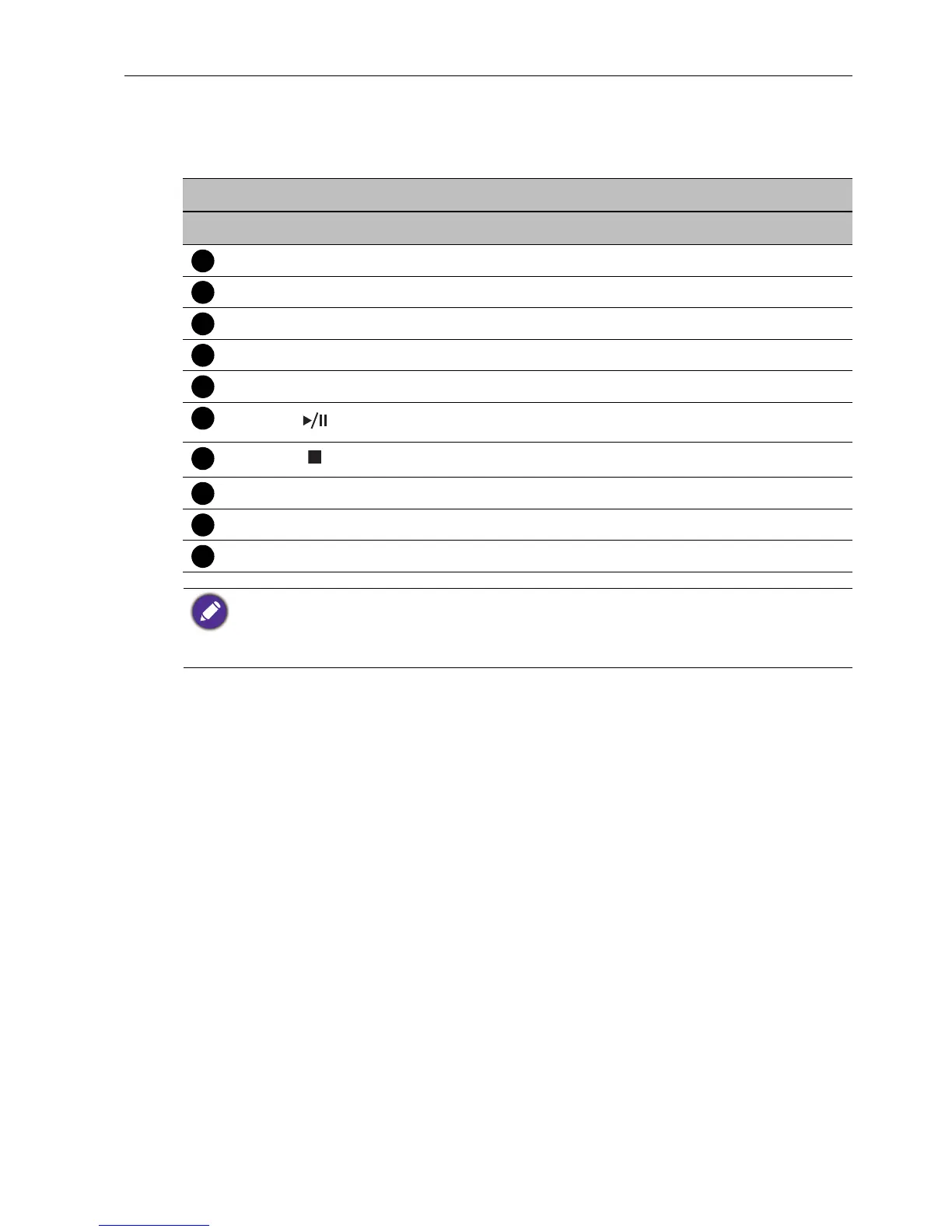
Remote control key functions
No Name Description
MENU
Switches to the OSD menu.
EXIT
Goes back to root page of disk selection.
ENTER
Selects/deselects a desired track.
// /
Directional arrows for selecting a desired track.
REV
Fast rewinds the current selected track.
Starts/resumes/pauses playback.
Stops playback.
FWD
Fast forwards the current selected track.
PREV
Goes back to the previous selected track.
NEXT
Goes to the next selected track.
• Instead of press INFO button on the remote control, metadata of the selection on the cursor
will be revealed around 3 seconds later.
• Use // / and ENTER to select multiple files as a playlist.
• Supported audio format: mp3/wma/AAC.



 To Next Page