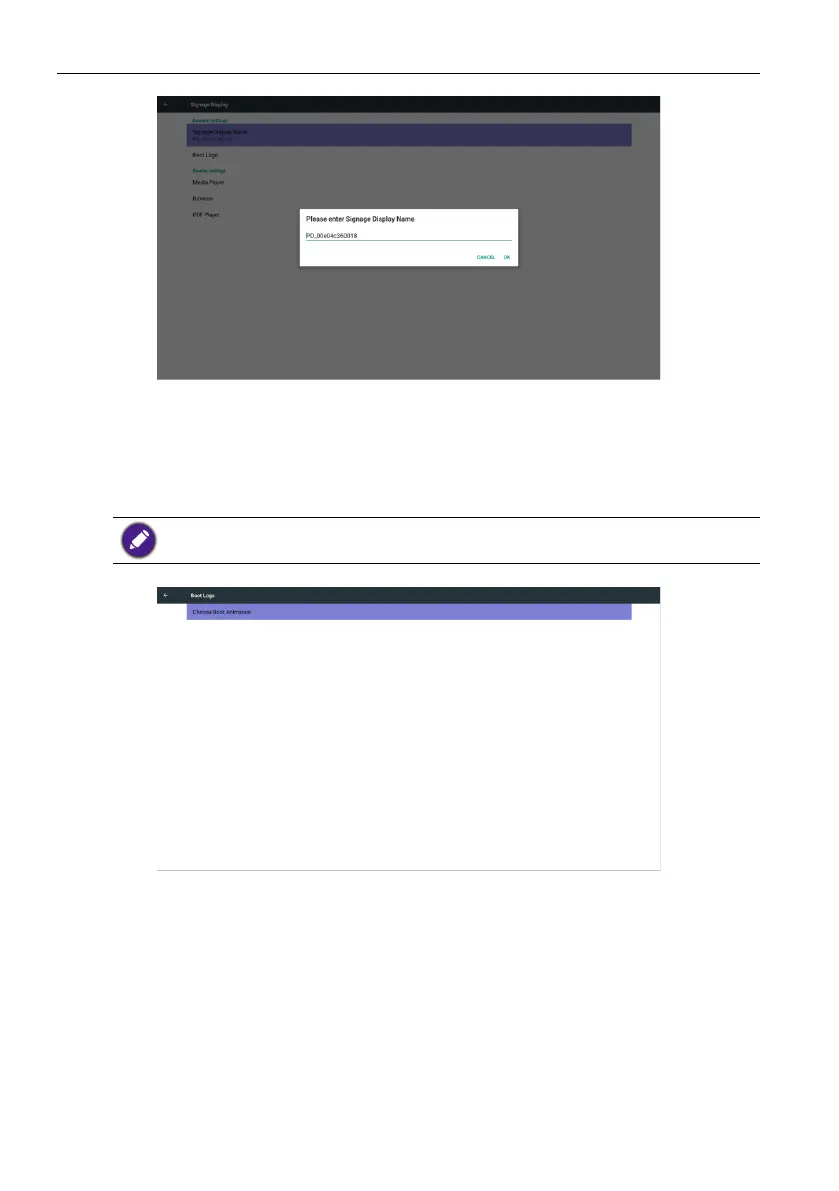
Signage display44
2. Boot Logo
1) Scalar OSD menu to control Android boot logo enable/disable.
Scalar OSD Menu operation:
RCU: Home > Conguration2 > Logo > On/Off/User
In User mode, user can choose their own boot logo animation le.
1. Boot animation le name must be: bootanimation.zip
2. Will pop-up a window for user to select USB and SD card. No priority issue.
2) When boot logo selection, PD will check if there is bootanimation.zip under USB and
SD card.



 To Next Page