Signage display 45
Function introduction:
a. Option description
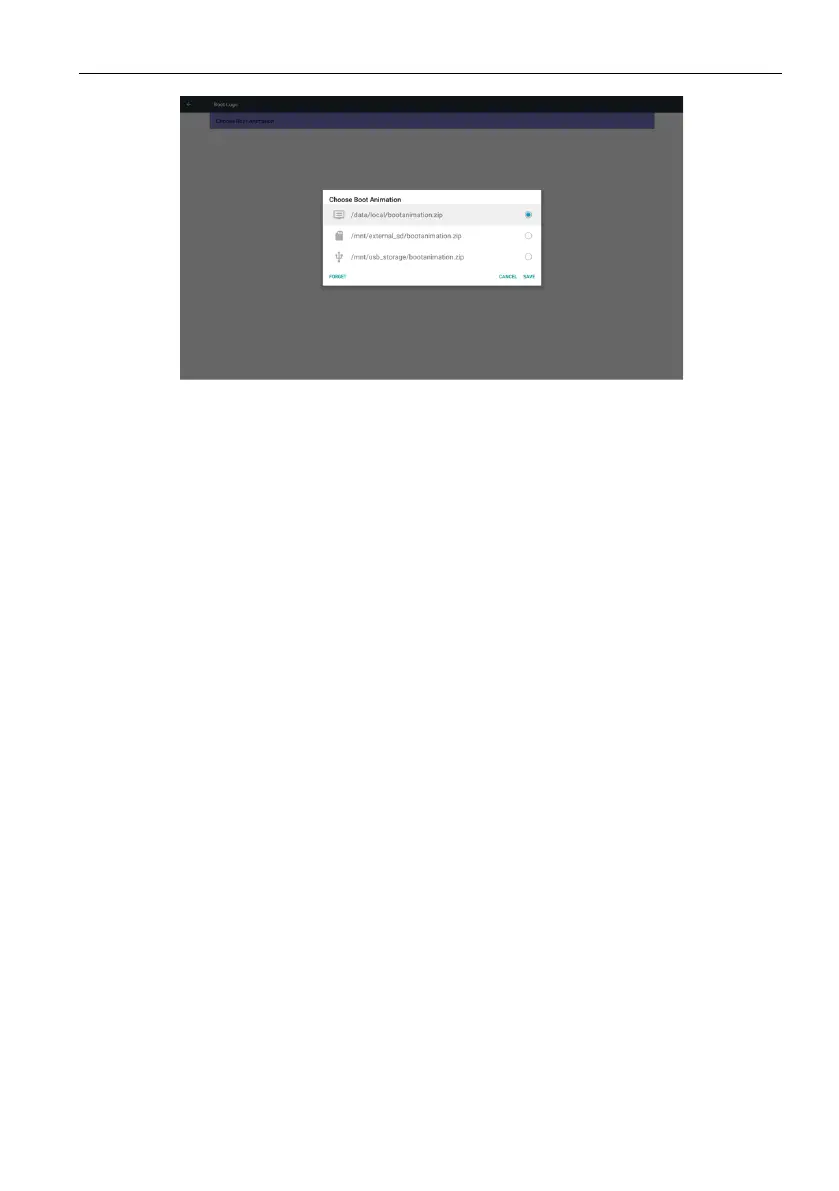
/data/local
Use customized boot animation le which is copied from SD card or USB
/mnt/external_sd
Use boot animation le under SD card
/mnt/usb_storage
Use boot animation le under USB
b. Save
Press Save key to save SD card or USB bootanimation.zip to /data/local and set it as
boot logo.
c. Forget
Press Forget key to delete /data/local bootanimation.zip and not show boot logo.
d. Cancel
Close dialogue w/o changes.
Scenario introduction:
Case 1
The users do not settle customized boot logo. PD does not nd any bootanimation.
zip le under SD and USB. The List will be blank. Save and Forget button will be gray
and useless.



 To Next Page