33 How to adjust your monitor
Basic menu operation
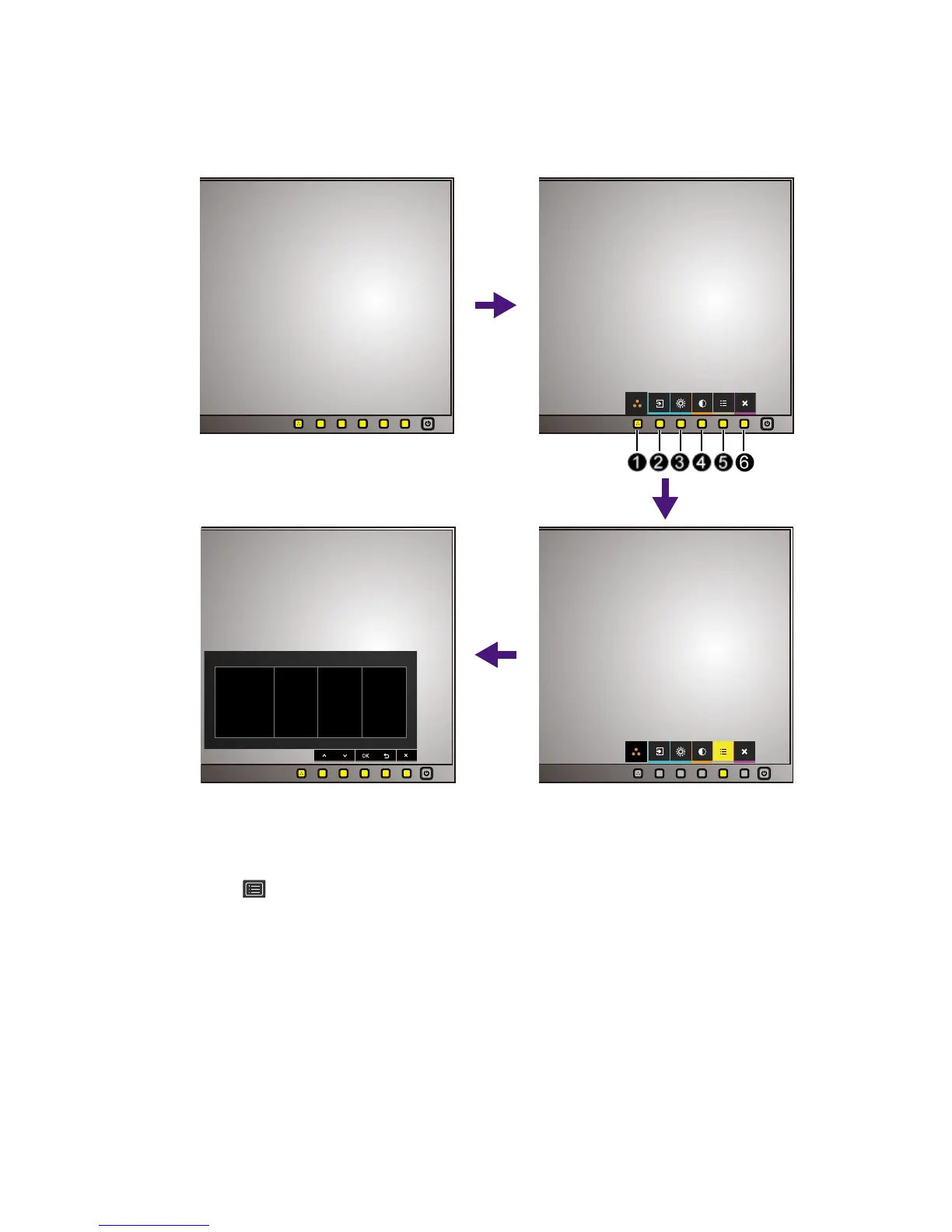
All OSD (On Screen Display) menus can be accessed by the control keys. You can use the OSD
menu to adjust all the settings on your monitor.
1. Press any of the control keys.
2. The hot key menu is displayed. Some of the controls are custom keys and are designated
for particular functions.
3. Select (
Menu) to access the main menu.



 To Next Page