36 How to adjust your monitor
5. Follow the above procedures to customize other options on the Color Mode HotKey
menu.
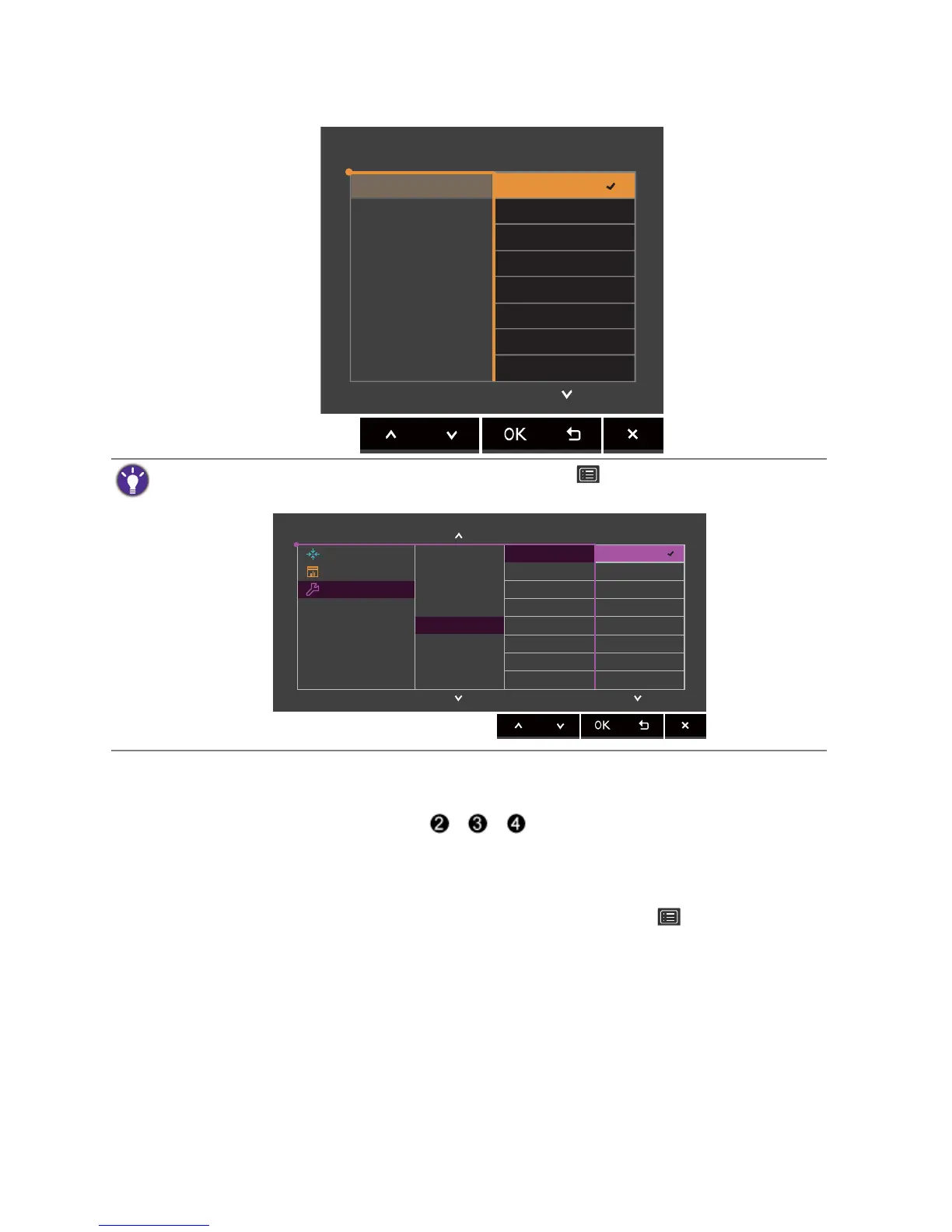
Customizing the hot keys
There are 3 custom keys (indicated as / / on page 33) performing as hot keys to
provide direct access to pre-defined functions. You can change the default setting and designate
different functions for these keys.
1. Press any of the control keys to bring up the hot key menu. Select (Menu) to access
the main menu.
2. Go to System.
3. Select the custom key you want to change.
4. In the sub menu, select a function that can be accessed by this key. A pop-up message will
appear, showing that the setup is complete.
Adjusting the display color
To adjust the display color, you can do one of the following:



 To Next Page