38
Connecting with video equipment
On-Screen Display (OSD) menus
On-Screen Display (OSD) structure
Please note that the on-screen display (OSD) menus vary according to the signal type selected.
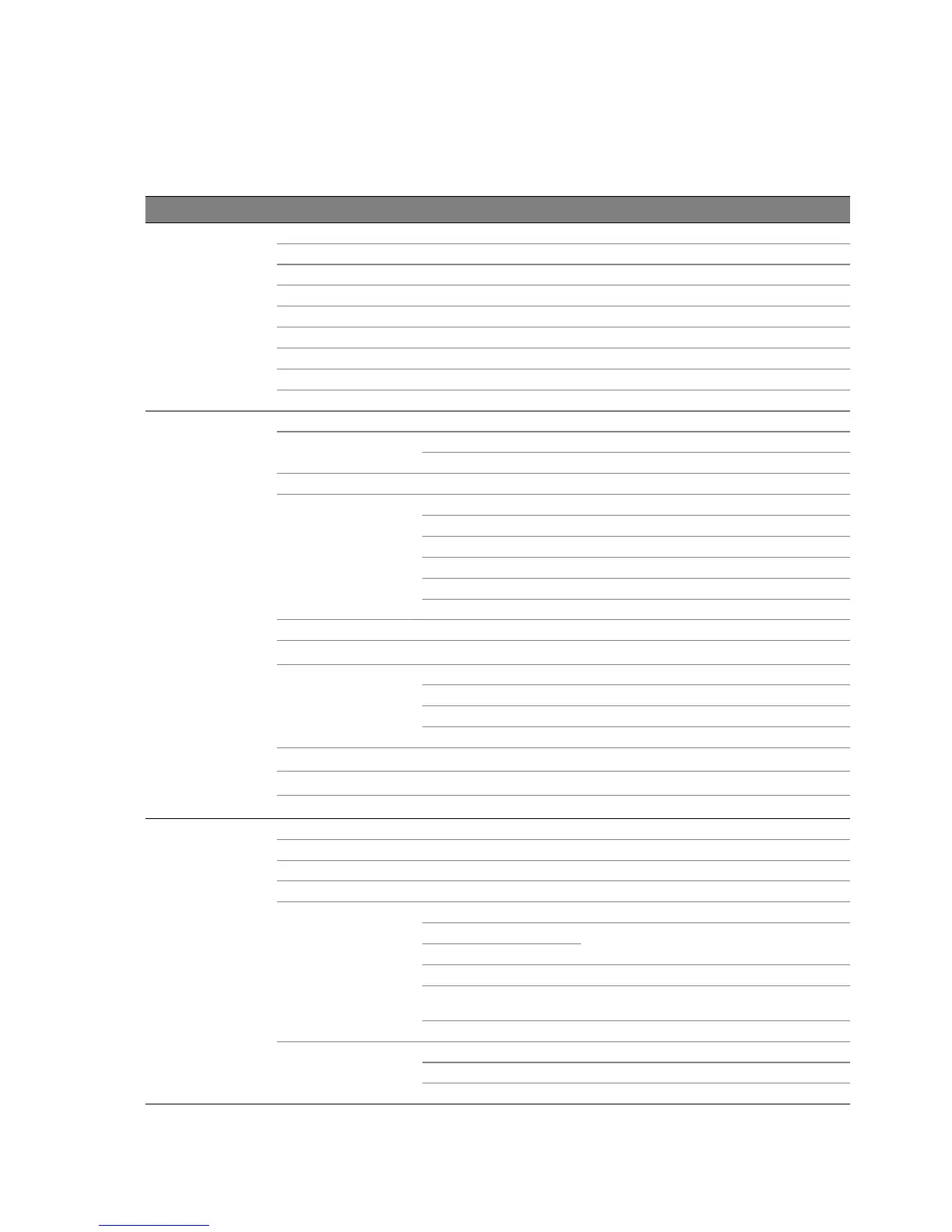
Main menu Sub-menu Options
Picture --
Basic
Preset Mode Cinema/Dynamic/Standard/User 1/User 2/User 3
Load Settings From
Brightness 0–100
Contrast 0–100
Color 0–100
Tint 0–100
Sharpness 0–15
Flesh Tone 0–5
Reset Picture Settings
Picture --
Advanced
Black Level 0 IRE/7.5 IRE
Clarity Control
Noise Reduction 0–31
Detail Enhancement 0–15
Color Temperature Normal/Cool/Lamp Native/Warm
Color Temperature
Fine Tuning
Red Gain 0–100
Green Gain 0–100
Blue Gain 0–100
Red Offset 0–511
Green Offset 0–511
Blue Offset 0–511
Gamma Selection 1.6/1.8/2.0/2.2/2.4/2.5/2.6/2.8/BenQ
Brilliant Color On/Off
Color Management
Primary Color Red/Green/Blue/Cyan/Magenta/Yellow
Hue 0–100
Gain 0–100
Saturation 0–100
Film Mode On/Off
3D Comb Filter On/Off
Dynamic Black On/Off
Display
Aspect Ratio Anamorphic/4:3/Letter Box/Wide/Real
Keystone
Position
Overscan Adjustment 0/1/2/3
PIP
PIP On/Off
Main Source
HDMI 1/HDMI 2/Video/S-Video/Component
1/Component 2/PC
PIP Source
Active Window Main/PIP
Position
Top-Right/Bottom-Left/Bottom-Right/Top-
Left
Size Large/Small
PC & Component
YPbPr Tuning
H.Size 0–200
Phase 0–100
Auto


 To Next Page