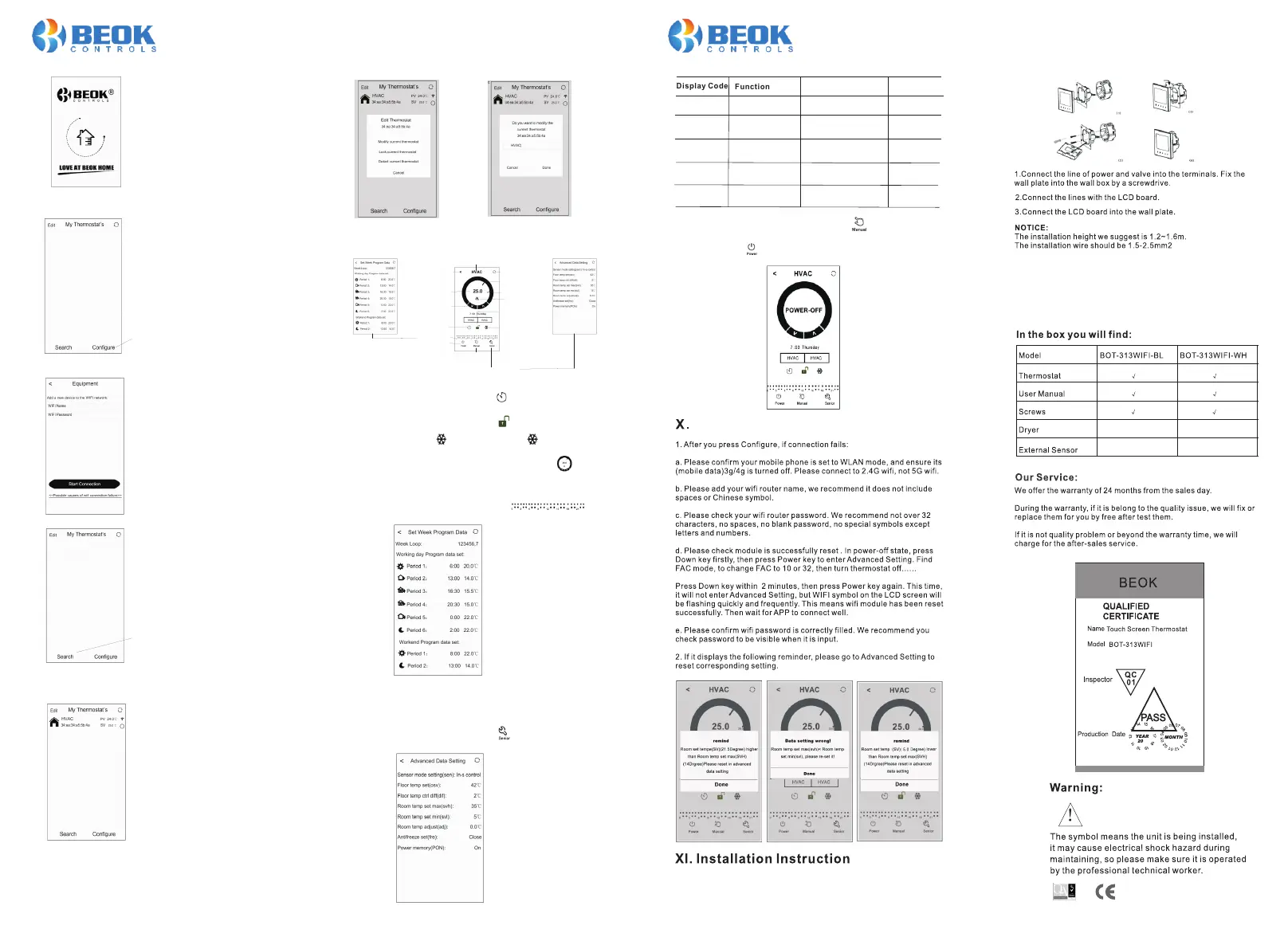
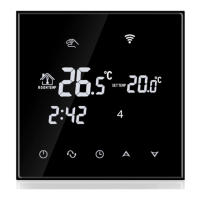
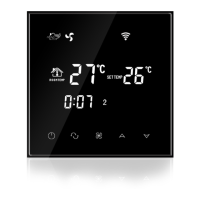
When the thermostat Wifi Symbol twinkling fast, you can start the
configure on your Phone.
Press C onfigure key
Enter your wifi name and password, then start connection at below. When
connection success, it will appear “Connection Success”.
After connection success, you need press “Search “ key.
a. Long press HVAC for 5 seconds, it will appear Edit Thermostat page.
b. Press Modify Current Thermostat.
c.You can change HVAC to room 1, Bedroom Bath room, or anything you
like.
APP Interface on the Phone
Ther mo stat Na me
Retu rn
Refr es h
Room Tempe ra ture
Heat in g State
Scre en L ockin g
Anti -f reezi ng
Long p re ss into Ad va nced Sett in g
Manu al /Auto m od e
Powe r Sw itch
Peri od D ispla y
Tim e Ma tchin g
Set Temper at ure
Adju st ment( do wn)
Curr en t Temp erature
Set Temper at ure
Thermostat Setting through Phone Operation
1. Clock : You can press Time Matching switch to match your phone
clock with thermostat clock.
2. Children lock (screen locking) : Press to lock the thermostat.
3. Anti-Freezing: Press thermostat will show on the screen , it
means Anti-freezing function open.
4. Temperature setting: You can drag the pointer on
Temperature Setting Dial to set temperature. Or press and to set
temperature step.
directly
>
5.Period setting: Long press Period Display, then
you will go into the Period Setting mode:
Touch work loop: you can choose the week program mode: 5+2/ 6+1 /7.
Touch each time value: you can set the time of the period.
Touch each temperature: you can set the temperature of the period.
Notice: When you choose the program mode to 7, Weekend program data
set will no appear.
6. Advanced Setting: Long Press Senior , you will go into Advanced
setting mode:
Press S earch key
Then it will appear your wifi thermostat HVAC. HVAC is the factory setting
name, when you have more than 2 thermostats, you can change it to any
name you want.
v
V 2 019 0 2
Thank you for buying this product!
7. Switch of Manual mode and Auto mode: Press to switch manual
mode or Auto mode.
8.Power off : Press to turn on or off thermostat.
This product is suitable for standard 80*80mm wall box and 60 mm
european round box.
XII. ATT:
Please read this manual for complete instructions on installing and
operating your thermostat. If you require further assistance, please
feel free to contact us.
Display Code
Function
Setting And Options
Factory Defult
SVH
High limit temp.
for internal sensor
5-99℃
35℃
SVL
Low limit temp.
for internal sensor
5-99℃ 5℃
ADJ
Temp.calibration
Check and calibrate the
actual room temp.
0.5℃accuracy
calibrate
FRE
Frost-protection
00:Close
00
PON
Power memory
00:Off
01:On
00
01:Open
Attention to Phone WiFi Connection:





 To Previous Page