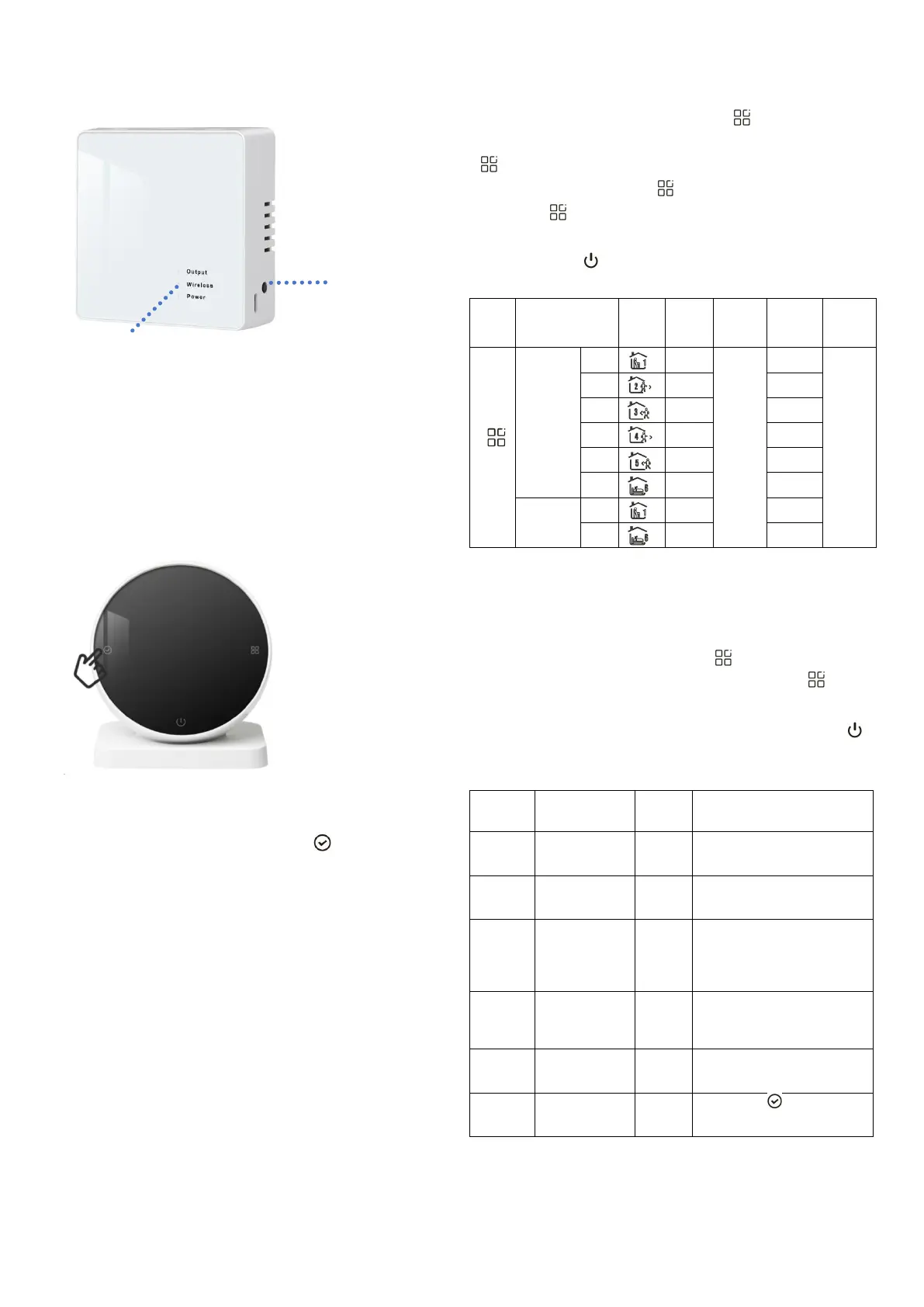
Code Matching Process:
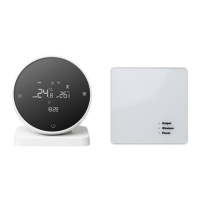
1. Power on the receiving panel, the power indicator is long on.
Press and hold the code matching button for 3 seconds, and the code
matching indicator flashes.
2. Install three pieces AA batteries on the transmitting panel.
In the POWER OFF state, press and hold the button
for 5 seconds to check the code. When the code checking indicator
light on the receiving panel remains on, the code checking is
successful.
Programming Mode Operation
In the POWER ON state, press and hold the button for 5 seconds
to enter programming mode. After entering programming mode, press
the button to switch parameters, rotate the outer frame to adjust
various parameters, press the button to adjust for minutes, and
press the button to adjust the temperature. The adjustment
method for the following time periods is the same as the first time
period. Press the button to save and exit.
Parameter Setting
In the POWER OFF state, long press the button for 5 seconds to
enter the parameter setting interface. At this time, press the button
to cycle through the selection of the parameters to be set, rotate the
outer frame to adjust the parameters of each item, and press the 1
button to save and exit.
The temperature
compensation range:
-9.9~9.9°C
The temperature difference
start-up range is 0.5~10°C
The shutdown
antifreeze
function starts
and stops
OFF: Turn off the antifreeze
function
ON: Turn on antifreeze
function
0: Turn off programming
1: Take a day off
2: Two-day weekend
3: No rest
Set the upper
limit of the
temperature
Set the upper temperature
range from 15~95°C
Long press for 3 seconds,
display “——_” to
restore factory settings
• Output indicator
• Code matching indicator
• Power indicator





 To Next Page