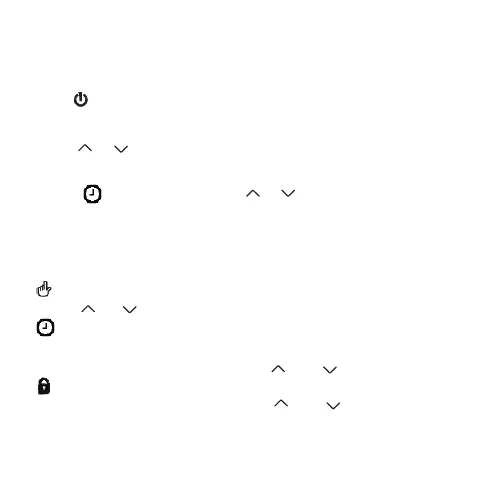
1.Power on/off
Press to turn on/off the thermostat.
2.Set Temperature
4.Switch modes
Manual mode:means non-programmable mode.
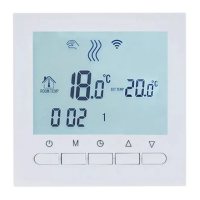
Operation Instruction
display on the screen, it is in Manual mode.
Press key to switch between Manual and Programming mode M
Press or to set the temperature.
Press or to set the temperature.
display on the screen, it is in Programming mode.
3.Set the Clock
press to set minute, Press for adjusting or
Then press M key to set the hour and the week in turn.
5.Set the Child Lock
Simultaneously press and hold the and to add child lock
will displayon the screen.
Simultaneously press and hold the and again to cancel
child lock.



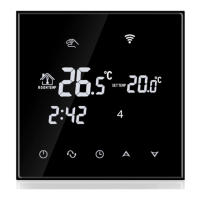
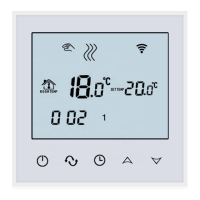
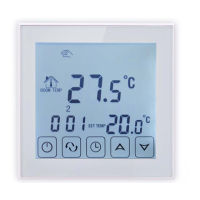


 To Next Page