7.Set the Mode.programming
①②③④⑤ display in the position of week means
5(working day)+2(rest day)
If you want to make temporary adjustment in any
period,
programming
press or , then will display. It will run
according to your manual settings and resume programming
mode at the next programming time point.
Press or to set the time.
Press M to enter the temperature adjustment.
Press or to set the temperature;
Press M to enter the next period adjustment.
Press to exit and save.
Press M key to switch between manual mode and
programming mode.
Press and hold M into programming mode setting. time and
①②③④⑤ will display.
6.Wi-Fi link
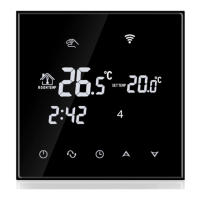
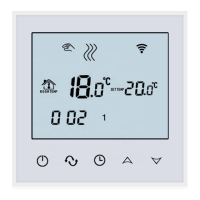
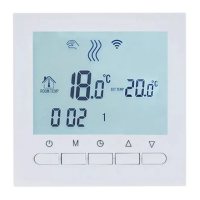
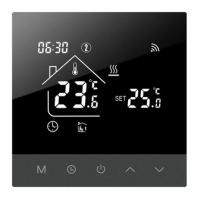
When the thermostat is turned on,press and hold the key for
5-8seconds,the wifi icon flashes on the thermostat screen.
Indicates that the thermostat enters the code matching state





 To Next Page