During initial commissioning, please use "2" to check the specific national settings for
the red-and-yellow and yellow phases (e.g.: RdYe = 1 second, Yell = 4 seconds).
These time settings are then saved as basic values for all future inputs. That means as a
rule, you will not have to change these basic values any more. Press "4" several times
to return to the menu point >Choose<.
Recommendation: for light traffic enter 15 to 20 seconds, for medium
traffic 30 to 40 seconds and for heavy traffic 50 to 70 seconds for green 1
and green 2. It goes without saying that different green times can also be
selected for every direction.
3.) In the menu point >Choose<, use "1" or "3" to choose the required type of
traffic control, e.g. "one-way" (function as bottleneck signal system in
alternating one-way traffic).
4.) Press "4" to confirm your selection (e.g. "one-way"), thus moving to the
next menu point. Stipulate the corresponding red phase (e.g. indicative
values stated in the table on page 10 of these instructions, or sticker on the
hand box) as >RED 1< using "1" and "3".
As a simple guide, you can calculate at least 12 seconds red phase for
every 100 m construction site length, based on a clearance speed of
30 km/h. At gradients or on difficult ground, it is advisable to select
different red phases >RED 1< and >RED 2<.
5.) Press "4" to go to menu point >RED 2<. Enter the required red phase as
described above.
6.) Press "4" to confirm your selection and go to the next menu point
>Green 1<.
Adjust the required times using "1" and "3". Now proceed in the same
way for >Green 2> and press "4" to confirm your inputs.
This already completes all the inputs necessary for alternating one-way traffic
control!
3
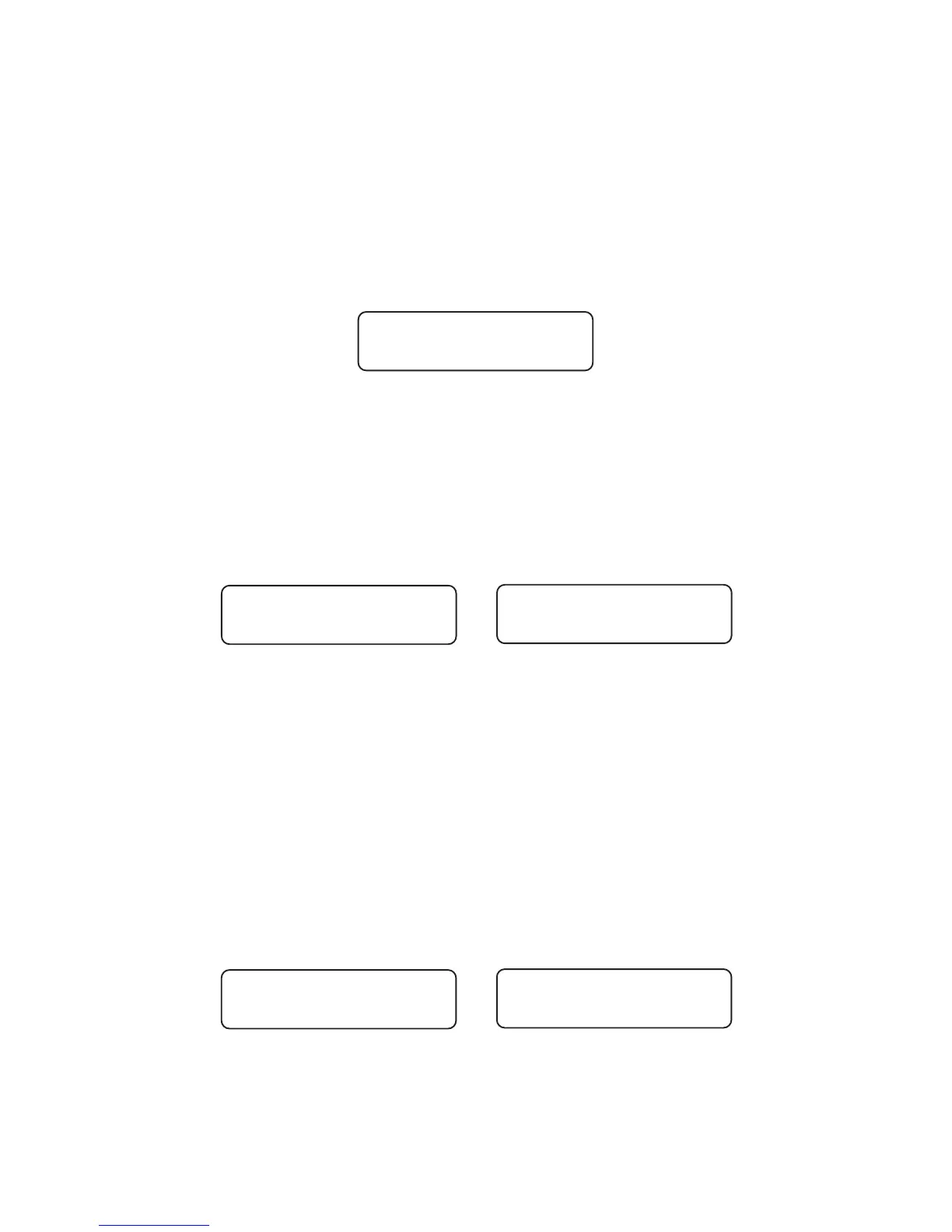
Choose < >
one-way
RED 1
= > 16 s
RED 2
= > 16 s
GREEN 1
= > 20 s
GREEN 2
= > 20 s


 To Next Page