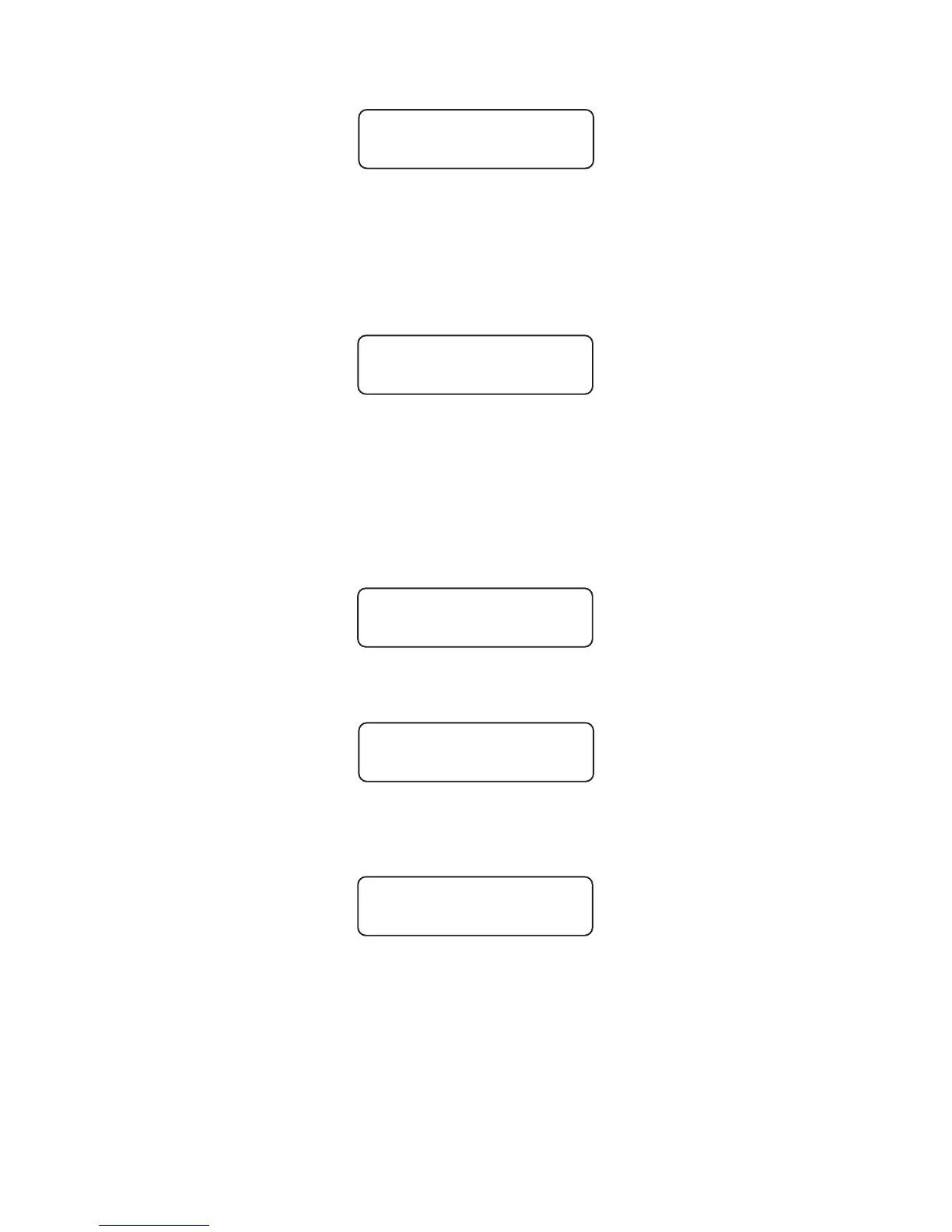
The display now shows:
Please go to the signal which you want to program as signal 1. Hold the front of the
hand box at a distance of approx. 1 metre face-to-face with the control housing under
the green chamber. Now press "OK".
The LED display in the control flickers on reception. Signal 1 now starts the program,
the signal head lights up and the hand box display shows:
If signal 1 has started, press "OK" to confirm. Otherwise press "2" to go back one step
in the menu. You can then start programming signal 1 again from the beginning. It may
help to reduce the distance between the signal and your hand box when sending data,
or improve the angle to the system if signal 1 does not start.
If you have pressed "OK" as confirmation, you now have up to 15 minutes time to
program the second signal. The display therefore shows:
The signal system has now been successfully programmed with the data which you
had entered previously in the hand box: alternating one-way traffic control has now
started.
Please continue reading on the next page for programming the signal for traffic control
at a T-junction or crossroads, with or without parallel signal heads.
Now program the second signal as explained above. Please now check that the second
signal has started up
Press "OK" to confirm. You can now switch the hand box off, and use it to program
other MPB 1400 signals located in other places.
4
Start
1 >ok<
Started?
yes >ok<
Start
2 >ok<
Started ?
yes >ok<
Box off?
>ok<


 To Next Page