32
Activate
pairing on the
Bluetooth
®
device
When your Bluetooth
®
device
searches for and locates the
SoundGate 3, “SoundGate 3”
will appear in the device display.
Select the SoundGate 3 from your
device menu and when prompted
to enter a pin code, enter “0000”.
Some devices may require you to
select “Connect” in the display
menu. Please refer to the manual
of your Bluetooth
®
device for its
specic instructions.
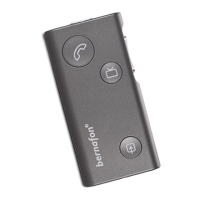
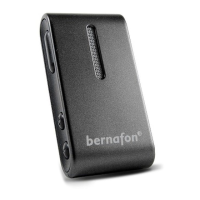
The SoundGate 3 is capable of storing up to
8 paired devices at the same time. When the
maximum number of paired devices is reached,
the SoundGate 3 will begin to overwrite the
oldest pairings.
If you would like to clear all previously paired
devices, press and hold the volume up key and
power key at the same time for more than
5 seconds.




 To Next Page