41
Using with an MP3 Player
or Computer
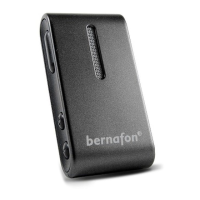
The SoundGate 3 can be used to connect to
audio sources such as MP3 players or personal
computers either:
· Via a wireless Bluetooth
®
connection, or
· Via a wired cable connection
Wireless Connection
To hear music or audio wirelessly from an MP3
player or computer with built-in Bluetooth
®
, make
sure the device has been paired to your SoundGate 3
(pages 31 to 33), that both devices
are powered on, and are within
range of each other (< 10 meters /
33 feet). Begin audio streaming by
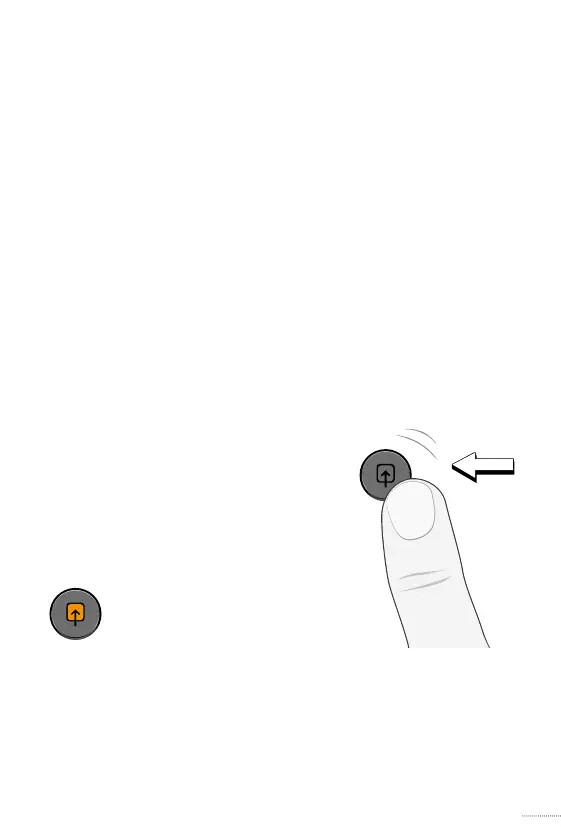
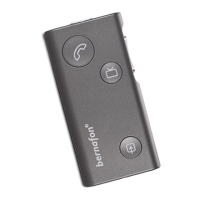
giving a short press to the
SoundGate 3 auxiliary input key.
When audio streaming is
active, the auxiliary input
key will illuminate orange.
To end listening through the wireless source and
resume the previous listening program or streaming
state, give another short press to the auxiliary
input key.
SN2_ILLU_AuxKeyPress_HI
31
SN2_ILLU_AuxKeyOrange_HI
32




 To Next Page