31
Pairing to a mobile telephone
or other Bluetooth
®
devices
Before streaming audio to your hearing aids, a
secure connection must be established between the
SoundGate 3 and a Bluetooth
®
-enabled device
(e.g., mobile telephone). Ensure the SoundGate 3 and
Bluetooth
®
device are within 1
meter (3 feet) of each
other during the pairing process.
Prepare
Bluetooth
®
device for
pairing
Refer to the manual of the mobile
telephone or audio device and
prepare the device for Bluetooth
®
pairing as instructed.
Set the
SoundGate 3
into pairing
mode
SN2_ILLU_TopLedFlashingBlue_HI
30
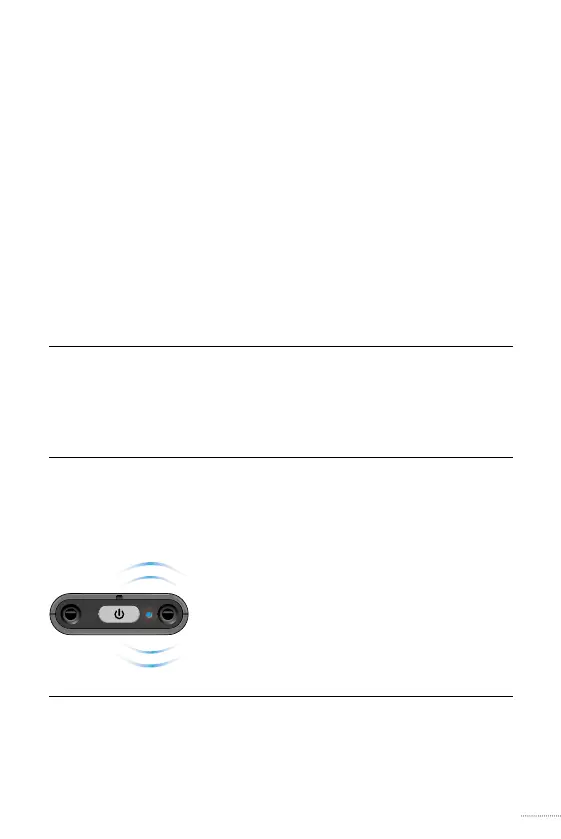
Press and hold the power key for
approximately 5 – 6 seconds until
the LED indicator ashes rapidly
blue.
Pairing mode will be active for
2 minutes and may be cancelled
by pressing the power key for
3 seconds.




 To Next Page