50
Troubleshooting
Pairing Problem Solution
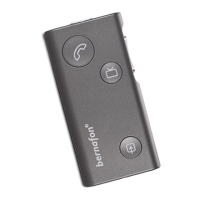
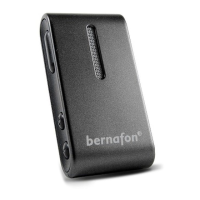
SoundGate 3
will not enter
Bluetooth
®
pairing mode
The SoundGate 3 is powered
OFF
Turn the SoundGate 3 ON
The SoundGate 3 battery
is critically low
Recharge the SoundGate 3 battery
My Bluetooth
®
device is not
locating the
SoundGate 3
The SoundGate 3 is out of
range
Ensure the paired SoundGate 3 and Bluetooth
®
device are within 10 meters of each other
The SoundGate 3 is already
connected and within range
of another active Bluetooth
®
device
Turn OFF any active Bluetooth
®
devices which have
previously been paired to the SoundGate 3
Pairing was
unsuccessful
The SoundGate 3 and/or
Bluetooth
®
device was not
in pairing mode when
attempting to pair
Ensure the SoundGate 3 and Bluetooth
®
device are
actively in their pairing states when repeating the
pairing process. Press and hold the SoundGate 3
power key for approximately 5 – 6 seconds until the
LED indicator ashes rapidly blue. The SoundGate 3
pairing mode is active for 2 minutes.
The incorrect passcode
was entered
Repeat the pairing process and enter the
password: 0000 (four zeros) into the Bluetooth
®
device




 To Next Page