SEWING PREPARATION
28
2024-06 EN 5020105.00A.04
Setting the Stitch Length
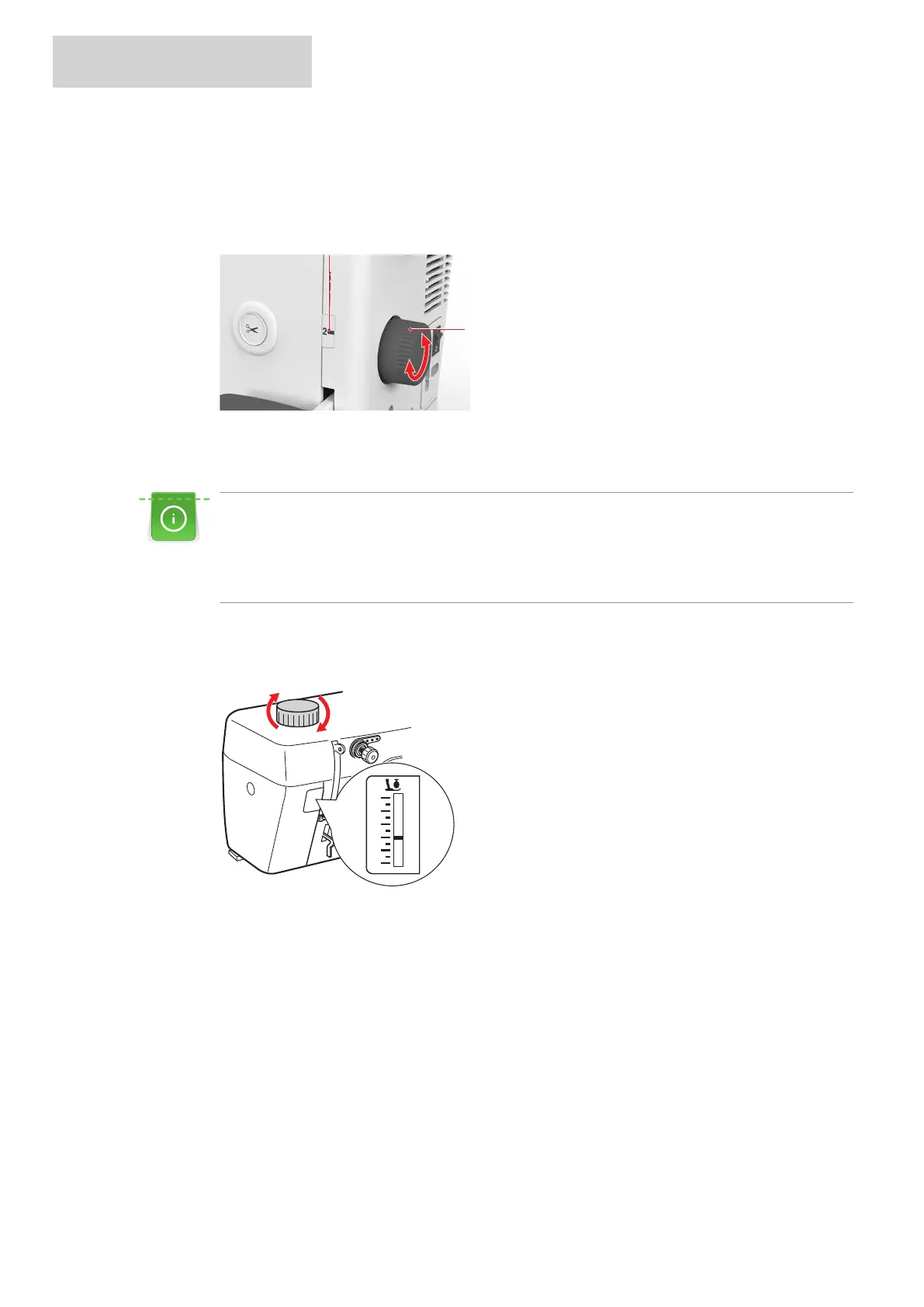
The stitch length can be set from 0–6mm by turning the adjustment dial «Stitch Length».
> Turn the adjustment dial «Stitch Length»(1) until the desired stitch length is shown on the stitch length
display(2).
Setting the Presser Foot Pressure
The presser foot pressure can be set via the adjusting dial «Presser Foot Pressure».
The presser foot pressure is designed to adjust the pressure of the presser foot optimally to the fabric
thickness. When working with thick fabrics, it is recommended to reduce the presser foot pressure. This
provides the advantage that the fabric can be moved more easily. When working with thin fabrics, it is
recommended to increase the presser foot pressure. This provides the advantage that the fabric cannot
be moved too easily under the presser foot.
> To increase the presser foot pressure, turn the adjusting dial «Presser Foot Pressure» clockwise.
> To reduce the presser foot pressure, turn the adjusting dial «Presser Foot Pressure» counterclockwise.
Note: Do not reduce the presser foot pressure below «0», otherwise the fabric will not be fed.


 To Next Page