EasyManua.ls Logo

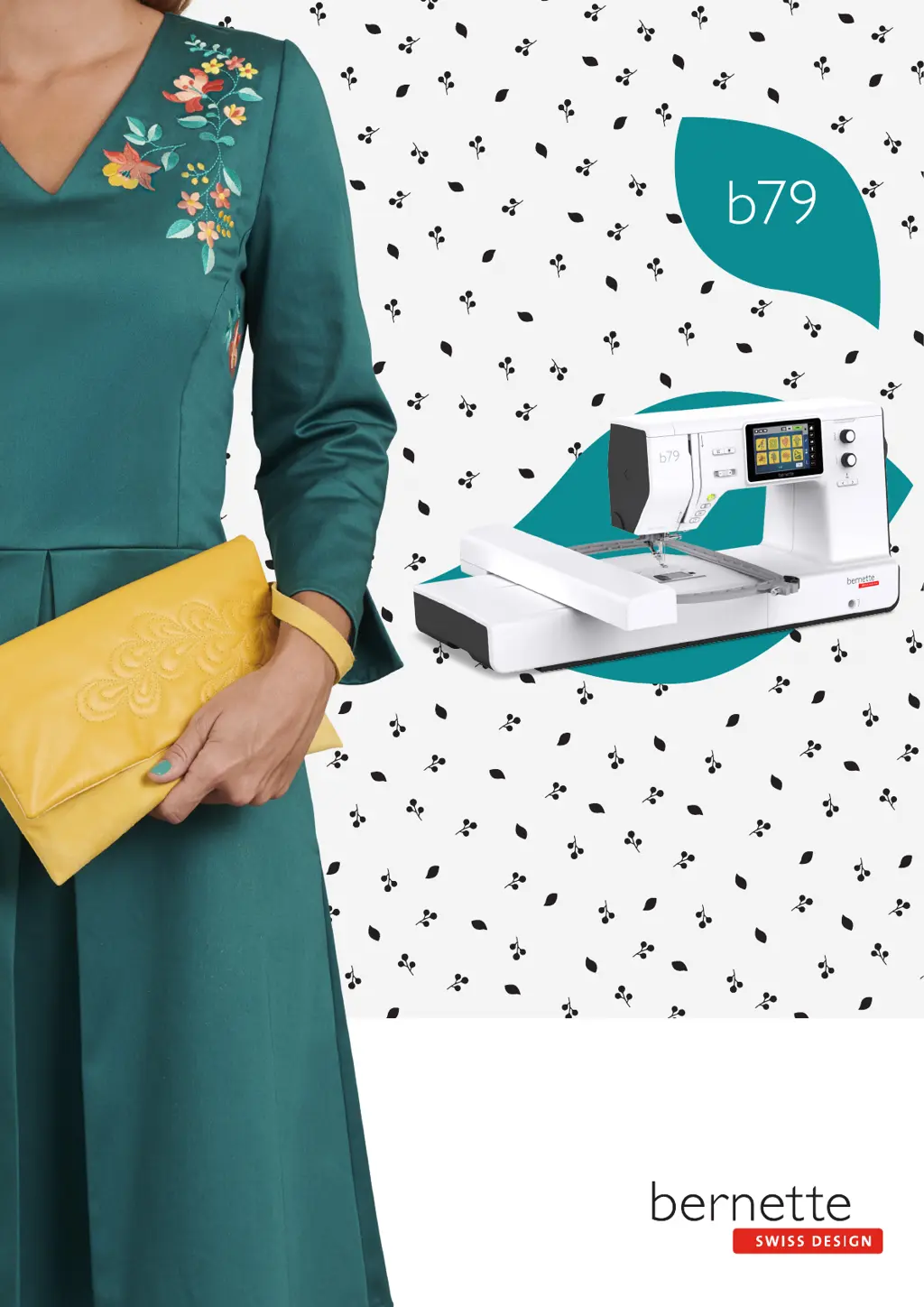
Bernette b79 - User Manual

Bernette b79
171 pages
Print Icon
To Next Page IconTo Next Page
Loading...

Table of Contents

Other manuals for Bernette b79

Questions and Answers

  • M
    Michael RossSep 4, 2025
    What to do if the display is inactive on my Bernette b79?
    • A
      aandersonSep 4, 2025
      If the display on your Bernette Sewing Machine is inactive, it could be due to incorrect calibrating data. To fix this, switch the machine off, then switch it back on while simultaneously pushing and holding the «Needle left/right» button. Calibrate the display again. Alternatively, the eco mode might be active; try touching the «eco» icon again.
  • E
    Elizabeth NguyenSep 18, 2025
    What to do if there is an error during a software update on my Bernette b79?
    • B
      bmurphySep 18, 2025
      If you encounter an error during a software update on your Bernette Sewing Machine, and the update process is blocked with an inactive hourglass on the display, you should contact the specialized bernette dealer. Alternatively, try removing the USB stick, switching the machine off, renaming the firmware file from «.fw» to «.auto», inserting the USB stick, and then switching the machine back on to automatically start the update.
  • R
    Ryan LewisSep 16, 2025
    Why doesn't the bobbin thread indicator react on my Bernette Sewing Machine?
    • J
      Jeremy GeorgeSep 16, 2025
      If the bobbin thread indicator isn't reacting on your Bernette Sewing Machine, the bobbin thread indicator may be defective, and you should contact the specialized bernette dealer.
  • J
    james00Sep 14, 2025
    Why isn't the upper thread indicator reacting on my Bernette b79 Sewing Machine?
    • M
      Matthew CameronSep 14, 2025
      If the upper thread indicator isn't reacting on your Bernette Sewing Machine, the indicator may be defective, and you should contact the specialized bernette dealer. Alternatively, check the settings in the Setup Program to ensure it is activated.
  • M
    Marcus SmithSep 12, 2025
    Why aren't the sewing light or free arm light working on my Bernette Sewing Machine?
    • D
      Daniel ClarkSep 13, 2025
      If neither the sewing light nor the light on the free arm lights up on your Bernette Sewing Machine, the sewing light may be defective, and you should contact the specialized bernette dealer. You should also check the settings in the Setup Program to ensure the lights are activated.
  • E
    Erica RobinsonSep 12, 2025
    Why doesn't the «Start-/Stop» button light up on my Bernette Sewing Machine?
    • A
      Allison JenningsSep 12, 2025
      If the light on the «Start-/Stop» button of your Bernette Sewing Machine doesn't light up, the light may be defective, and you should contact the specialized bernette dealer. Alternatively, check the settings in the Setup Program to ensure it is activated.
  • J
    jorgejohnsonSep 9, 2025
    What to do if my Bernette b79 doesn't start?
    • T
      Timothy MckenzieSep 9, 2025
      If your Bernette Sewing Machine doesn't start, it could be due to an unfavorable room temperature. Place the machine in a warm room one hour before use, then connect the machine and switch it on. If this doesn't work, the machine may be damaged, and you should contact the specialized bernette dealer.
  • A
    Andrew FloresSep 7, 2025
    Why is my Bernette b79 Sewing Machine speed too low?
    • M
      millsdianaSep 7, 2025
      If your Bernette Sewing Machine's speed is too low, it could be due to an unfavorable room temperature. Place the machine in a warm room one hour before use. Alternatively, check the settings in the Setup Program and adjust the sewing/embroidery speed, as well as the slide.
  • C
    Christina ParksSep 5, 2025
    Why is the stitch width not adjustable on my Bernette Sewing Machine?
    • A
      Ashley FitzpatrickSep 5, 2025
      The stitch width on your Bernette Sewing Machine may not be adjustable if the selected needle and stitch plate cannot be used in combination. To resolve this, replace the needle and/or the stitch plate.
  • A
    Anthony GreenAug 20, 2025
    What to do if my Bernette b79 skips stitches?
    • M
      Michael CarterAug 21, 2025
      Skipped stitches on your Bernette Sewing Machine can be caused by several factors. Ensure you are using the correct needle system 130/705H. A blunt or bent needle can also cause this issue, so replace the needle. Using a new BERNINA quality needle is also important. Check that the needle is correctly inserted with the flat side to the back, as far up as it will go into the needle holder, and that the screw is tightened. Finally, ensure that the needle point matches the texture of the material you are sewing.

Summary

Introduction and Safety

Important Safety Instructions

Basic safety instructions for operating the sewing machine, including electrical shock and burn hazards.

General Warnings

Warnings regarding burns, fire, electric shock, and proper use by children or individuals with reduced capabilities.

Getting Started with Your Bernette Machine

Machine Components Overview

Detailed identification of front controls, including quick reverse, thread cutter, and multifunctional knobs.

Operation Buttons Explained

Explanation of the function and purpose of each operation button on the sewing machine.

Machine Accessories and Interface

Needle, Thread, and Fabric Guidance

Information on selecting the correct needle for different fabrics and thread types for optimal results.

Sewing Preparation and Setup

Connecting and Switching On

Steps for connecting the power cable, foot control, and switching on the machine.

Presser Foot Adjustments

Details on adjusting presser foot position with the knee lifter and changing presser foot soles.

Needle and Stitch Plate Management

Procedures for changing the needle, selecting it in the UI, and managing stitch plates.

Threading Procedures

Step-by-step guide for threading the upper thread, double needle, and bobbin thread.

Setup Program and Machine Settings

Sewing Settings Configuration

Adjusting thread tension, sewing speed, and programming securing stitches and buttons.

Embroidery Settings Configuration

Adjusting upper thread tension, embroidering speed, and calibrating the embroidery hoop.

Creative Sewing and Stitch Design

Editing Stitch Patterns

Modifying stitch width, length, balance, and creating pattern repeats or mirror images.

Practical Stitches Guide

Darning and Edge Finishing

Guidance on manual darning, automatic darning programs, and finishing fabric edges.

Buttonholes and Eyelets

Marking and Sewing Buttonholes

Steps for marking buttonholes on fabric and automatically sewing them with the correct foot.

Quilting and Stitch Design

Creating and Editing Stitch Patterns

Steps for creating new stitch patterns, editing existing ones, and manipulating points.

Bernette Embroidery Module

Embroidery Preparation Steps

Instructions for attaching the embroidery module, embroidery foot, and needle/stitch plate.

Embroidery Operations

Embroidery Start;Stop Function

How to start and stop the embroidery process using the Start/Stop button and change threads.

BERNINA CutWork Tool

Changing the CutWork Tool

Procedure for changing the CutWork Tool, including prerequisite steps and safety precautions.

Machine Maintenance and Troubleshooting

Troubleshooting Common Failures

Guide to diagnosing and repairing common issues like uneven stitches, skipped stitches, and thread breaks.

Error Messages and Solutions

Explanation of error messages displayed on the machine and their corresponding repair actions.

Bernette b79 Specifications

General IconGeneral
Sewing and Embroidery FunctionsYes
Embroidery Designs208
Maximum Sewing Speed1000 stitches per minute
Maximum Embroidery Speed850 stitches per minute
Screen5-inch color touchscreen
Automatic Thread CutterYes
USB PortYes
Dual FeedYes
TypeComputerized Sewing and Embroidery Machine
Stitch Width7 mm
MemoryYes
LightingLED
Stitch Length5 mm
Needle Positions15
Speed ControlYes
Maximum Embroidery Area260 x 160 mm
Presser Feet8 included

Related product manuals