System settings
54
2019-02 EN 5020079.00A.04
4 System settings
4.1 Calling up the Tutorial
The tutorial provides information and explanations on different sections concerning sewing and
embroidering and the various stitches.
> Touch the icon «Tutorial».
> Select the desired topic to get information.
4.2 Using eco mode
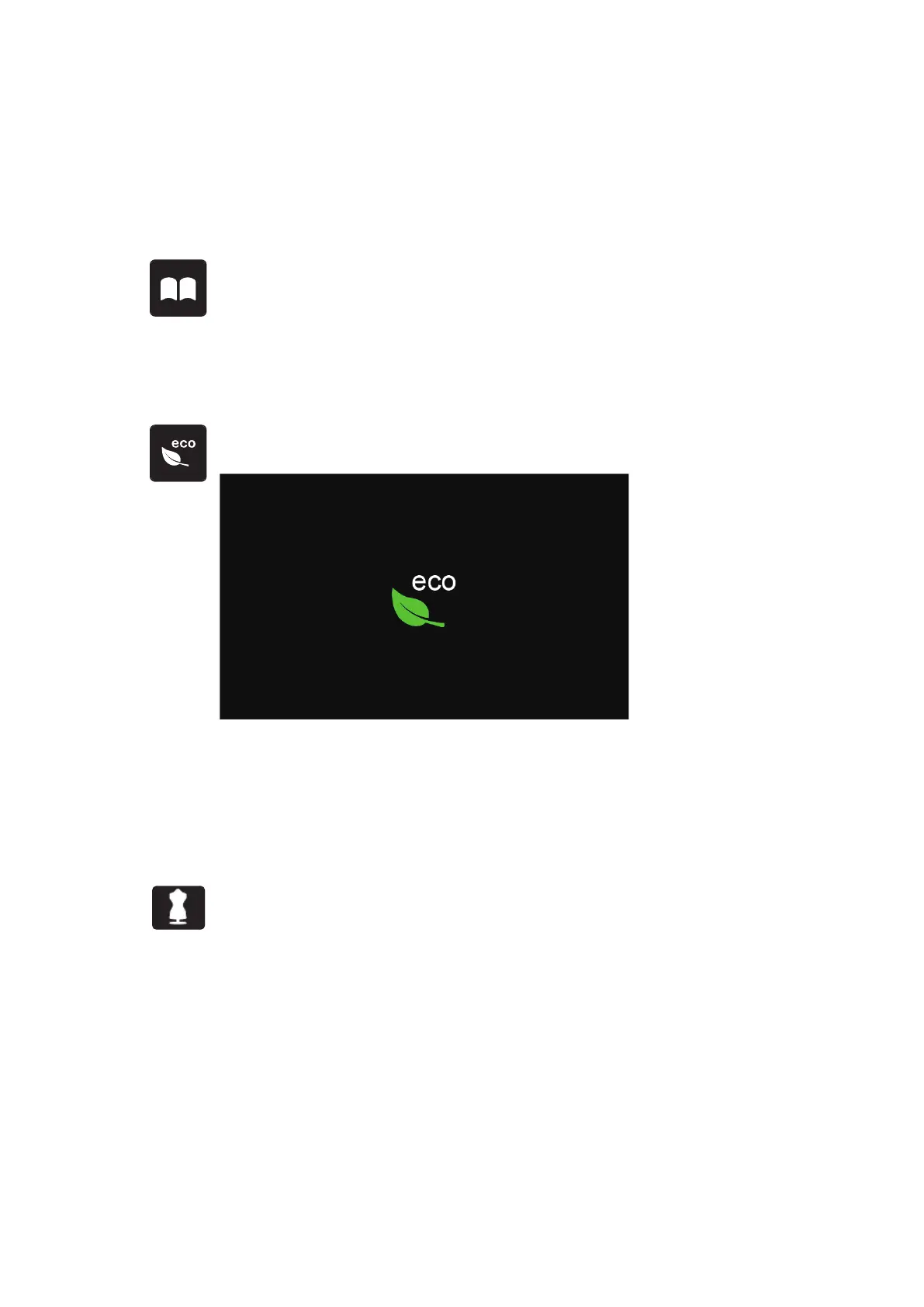
During a longer interruption of work the machine can be set into a power save mode. Nothing can be
selected in the display and the machine cannot be started.
> Touch the icon «eco» again.
– The display goes to sleep. The power consumption is reduced and the sewing light is off.
> Quickly click the green icon «eco» on the screen.
– The machine is ready for use.
4.3 Calling up the Creative Consultant
The Creative Consultant provides information about decision support concerning sewing projects. After
entering the fabric and the desired sewing project, suggestions for suitable needles, presser feet etc. are
displayed.
> Touch the icon «Creative Consultant».



 To Next Page