Sewing preparation
33
2019-02 EN 5020079.00A.04
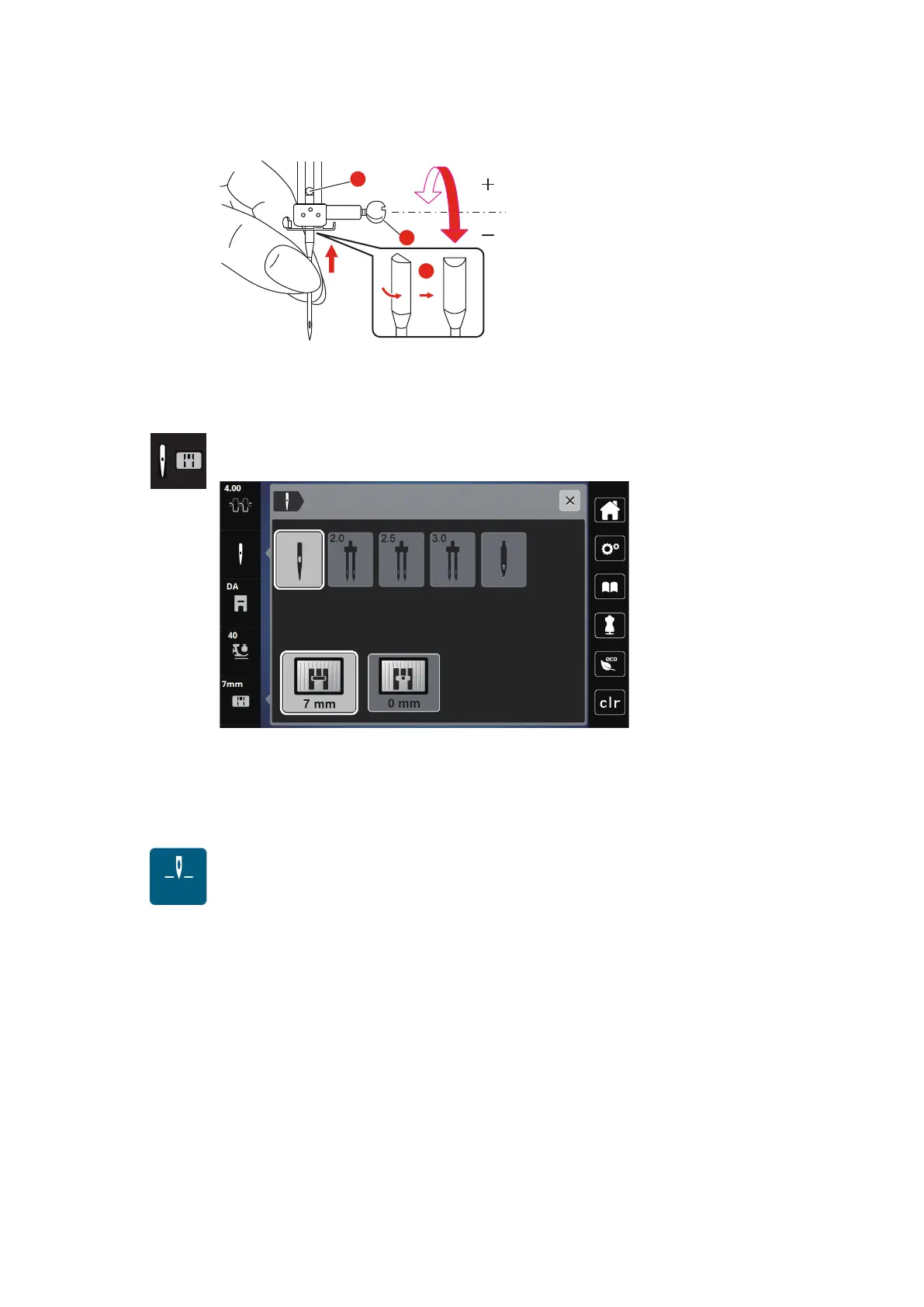
> Tighten the needle clamp screw using the screwdriver.
Selecting the needle in the User Interface
After having changed the needle, it can be checked whether or not it can be used in combination with the
attached stitch plate.
> > Touch the icon «Needle selection» or «Stitch plate selection».
> Select the inserted needle.
– If the selected needle is suitable in combination with the selected presser foot, sewing can be started.
– If the selected needle does not match with the stitch plate, a red exclamation mark will appear on the
display.
Needle stop up/down (permanent)
> Touch the icon «Needle stop up/down (permanent)» to fix the needle position permanently.
– The machine stops with needle position down as soon as the foot control is released or the button
«Start/Stop» has been pressed.
> Touch the icon «Needle stop up/down (permanent)» again.
– The machine stops with needle position up as soon as the foot control is released or the button
«Start/Stop» has been pressed.



 To Next Page