Creative sewing
63
2019-02 EN 5020079.00A.04
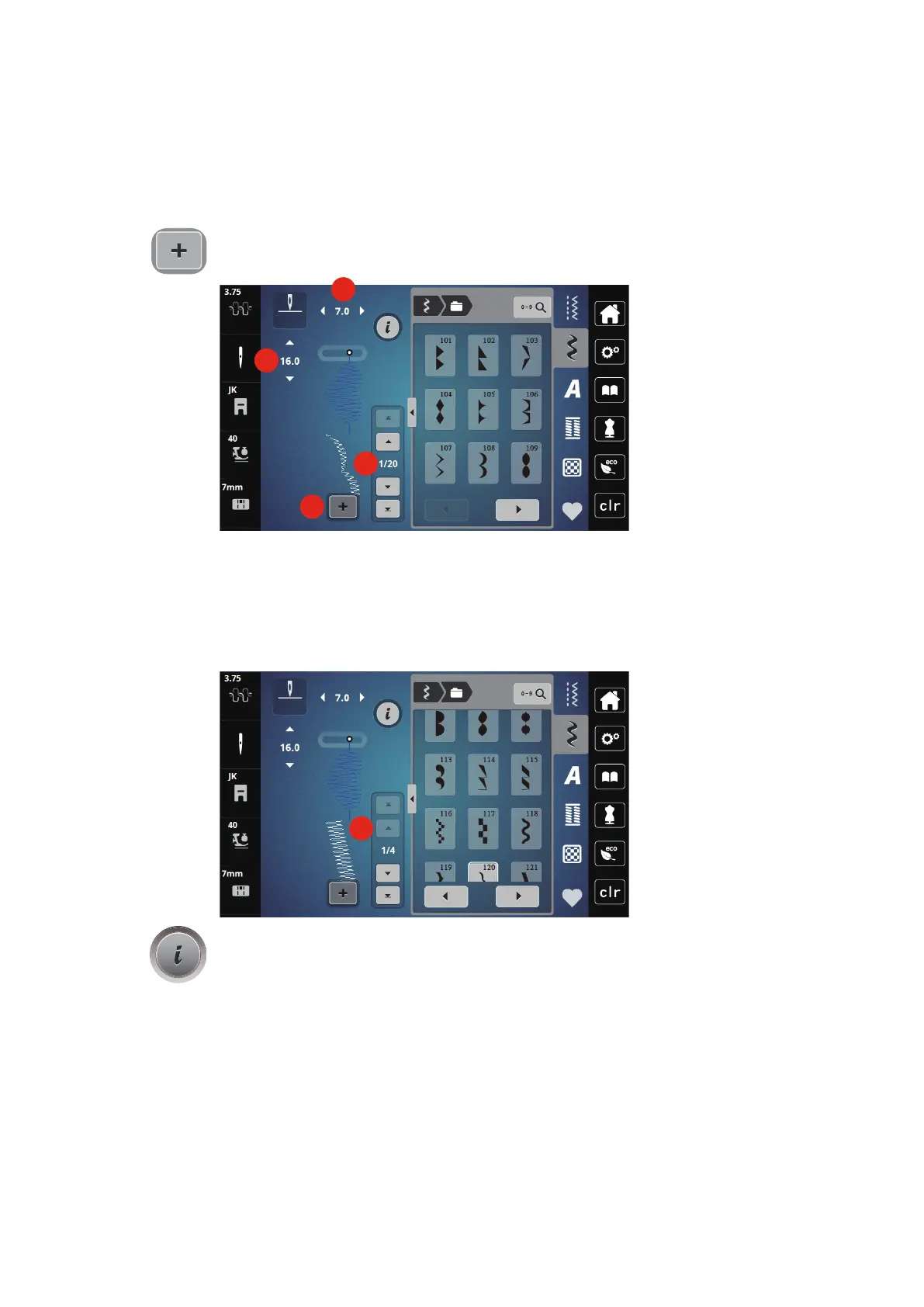
Creating Stitch pattern combinations
In the Combi mode stitch patterns and alphabets can be combined according to your wish. Each
combination can hold up to 20 stitches. Patterns created in the Stitch Designer cannot be integrated in the
pattern combinations.
> Touch the icon «Single/Combi mode» (3).
> Select the desired stitch patterns.
> Touch the icon «Single/Combi mode» again to return to the single mode.
Editing a single stitch pattern
> Create a stitch pattern combination.
> With the touchscreen pen/finger touch the desired position (1) within the stitch pattern combination to
select a single stitch pattern.
> Touch the icon «i»-Dialog to edit the single stitch pattern.



 To Next Page