Creative embroidering
124
2019-02 EN 5020079.00A.04
14.7 Combining embroidery motifs
Combining embroidery motifs
> Select an embroidery motif.
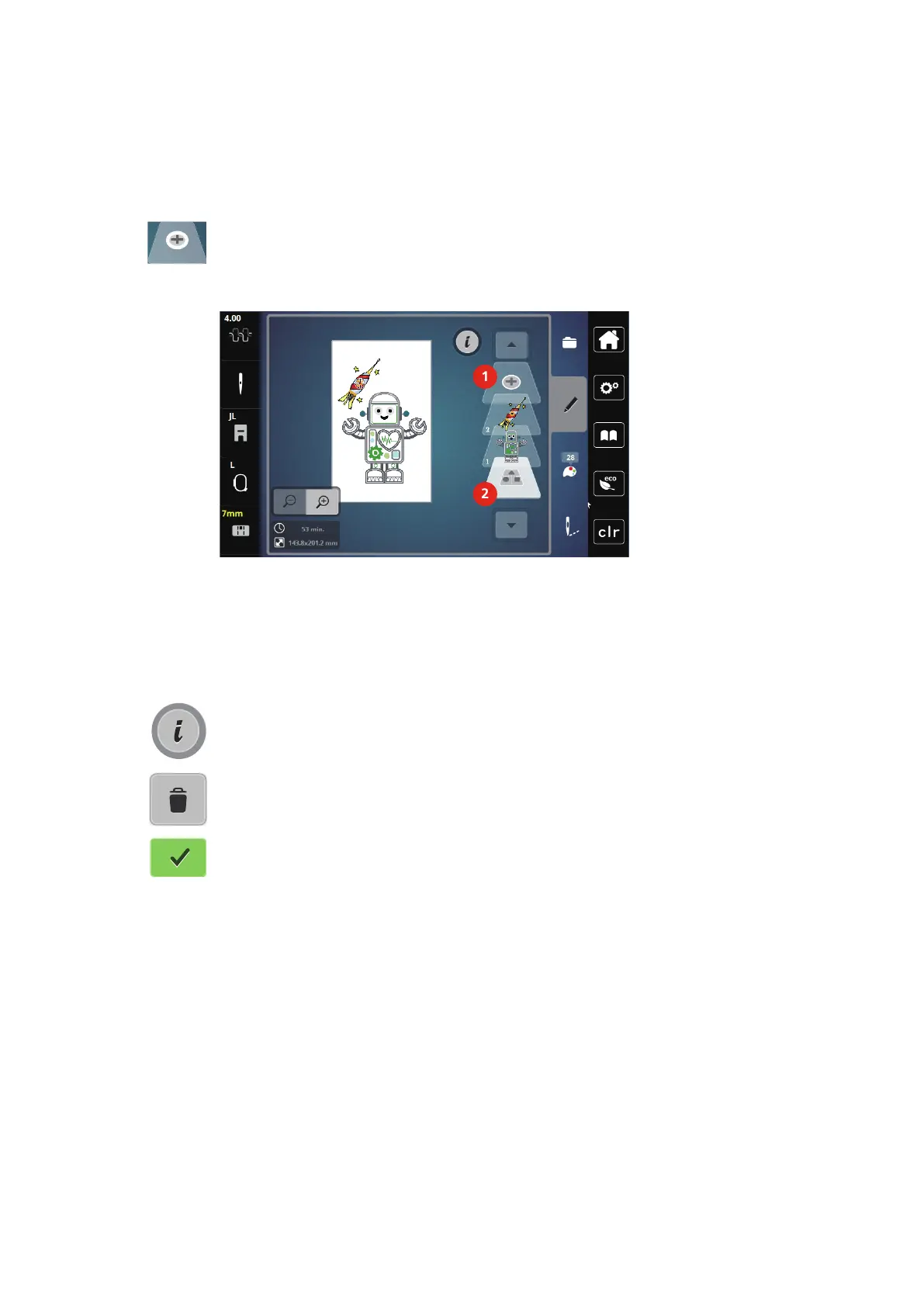
> Touch the icon «Add an embroidery motif» (1).
> Select another embroidery motif.
> Touch the icon «Select the combination» (2) to select whole embroidery motifs.
– The size of the combination cannot be adjusted.
1 Loading the embroidery motif 2 Select the combination
Deleting a single embroidery motif
> Select the embroidery motif which is to be deleted.
> Touch the icon «i-Dialog».
> Touch the icon «Delete».
> Touch the icon «Confirm».



 To Next Page