Setup Program
49
2019-02 EN 5020079.00A.04
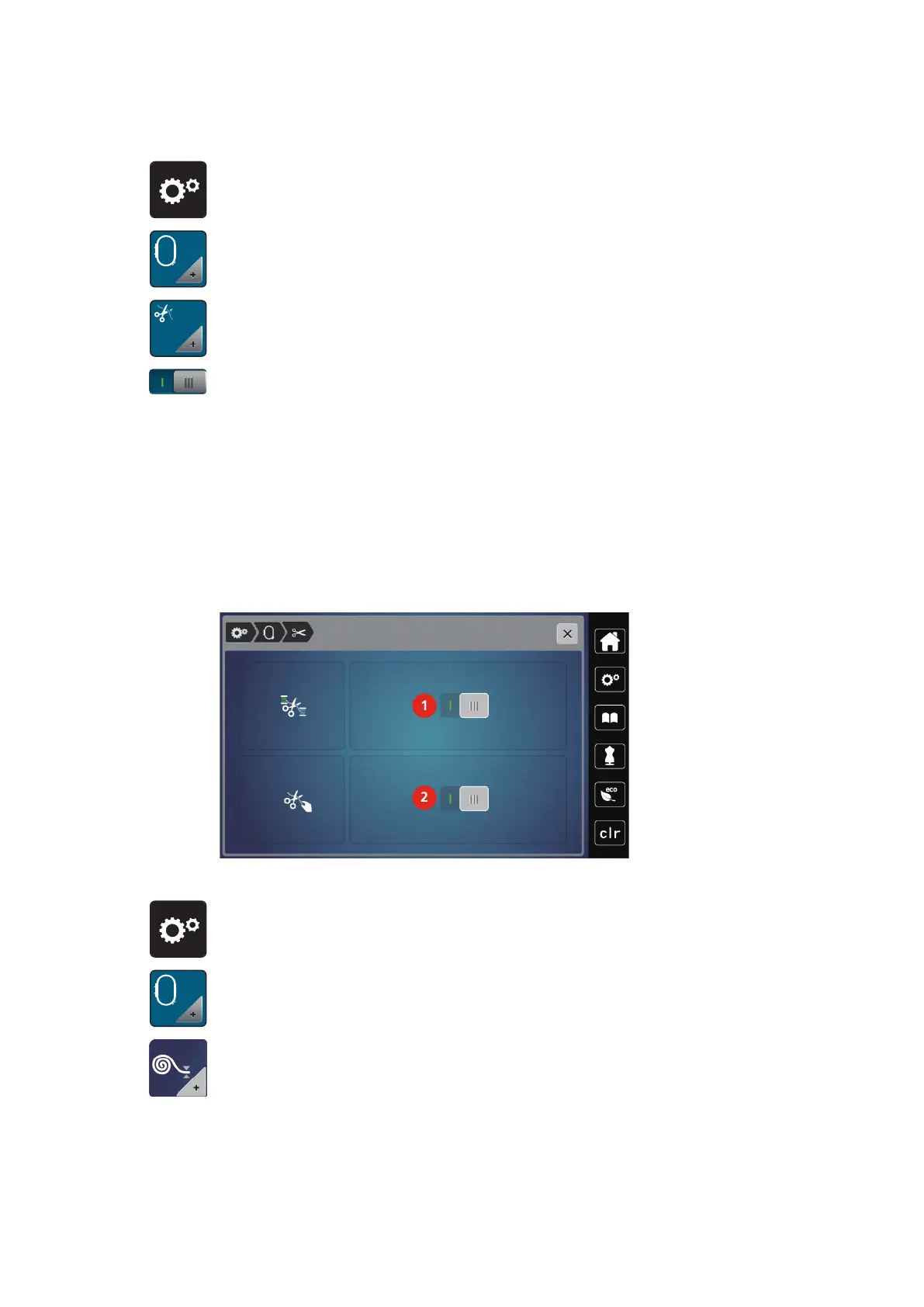
Adjusting the thread cut
> Touch the icon «Setup Program».
> Touch the icon «Embroidery settings».
> Touch the icon «Thread cut settings».
> To deactivate the automatic thread cut before changing a thread, press the switch in the upper section of
the display (1).
> To activate the automatic thread cut before changing a thread, press the switch in the upper section of
the display (1) again.
> Touch the switch in the lower section of the display (2) to deactivate the automatic thread cut after
starting embroidering.
– The machine won't stop for a manual thread cut.
> To activate the manual thread cut after embroidering, press the switch in the lower section of the display
(2).
– The machine will stop after about 7 stitches.
> Cut the remaining thread with scissors.
Adjusting the height of the embroidery presser foot
> Touch the icon «Setup Program».
> Touch the icon «Embroidery settings».
> Touch the icon «Adjust the height of the embroidery presser foot».
> Turn the «Upper Multifunction knob» or the «Lower Multifunction knob» or touch the icons «-» or «+»
to adjust the distance between the stitch plate and the presser foot.



 To Next Page