Setup Program
52
2019-02 EN 5020079.00A.04
Back to default setting
ATTENTION: Using this function will delete all individually made settings.
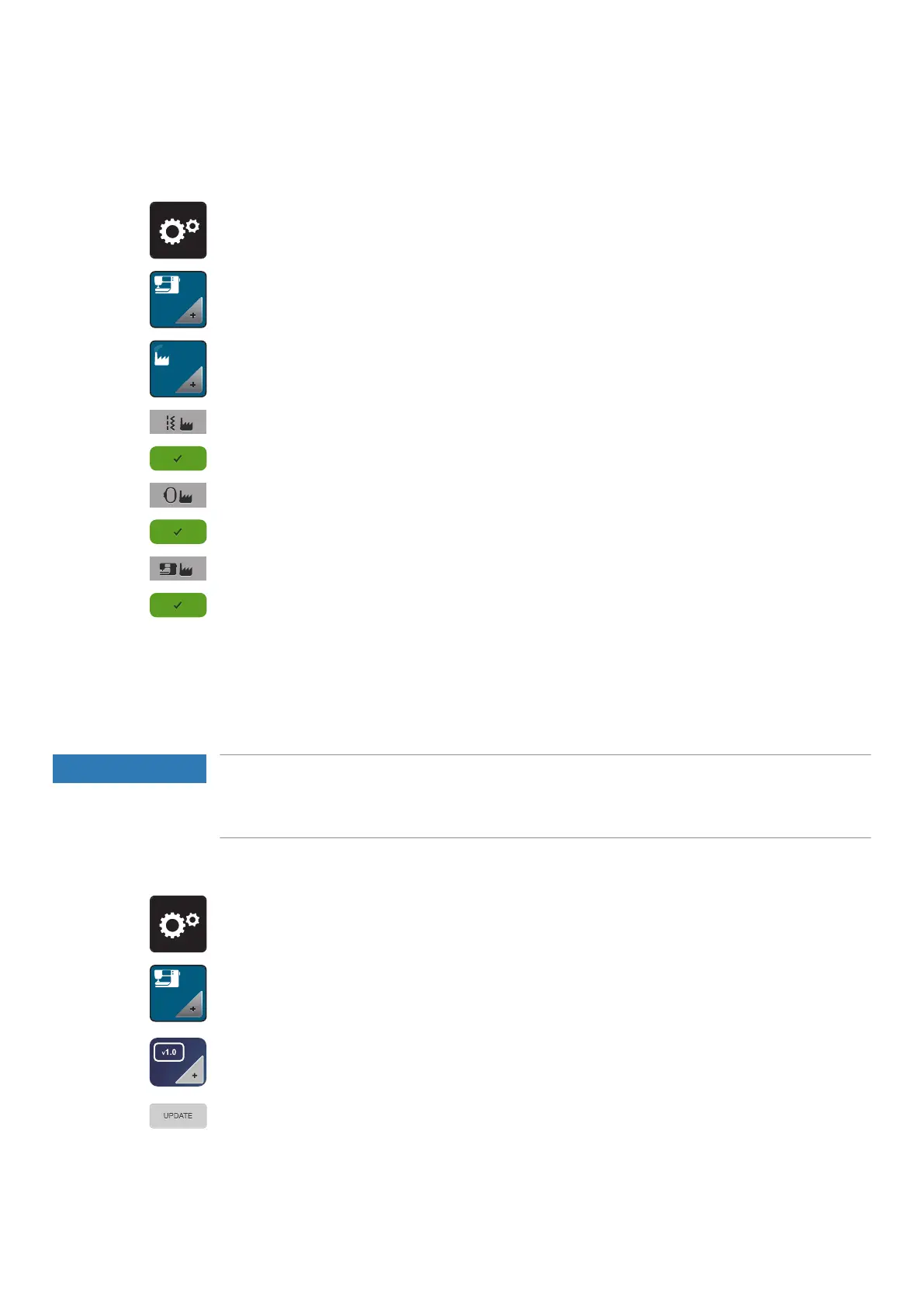
> Touch the icon «Setup Program».
> Touch the icon «Machine settings».
> Touch the icon «Default settings».
> Touch the icon «Default setting sewing».
> Touch the icon «Confirm» to restore the default settings for the sewing settings.
> Touch the icon «Default setting embroidery».
> Touch the icon «Confirm» to restore the default settings for the embroidery settings.
> Touch the icon «Default setting all».
> Touch the icon «Confirm» and restart the machine to restore all default settings.
Updating the machine Firmware
The latest firmware of the machine and a detailed step-by-step instruction for updating processes can be
downloaded at www mybernette.com . Personal data and settings are automatically transferred during a
firmware update.
NOTICE
USB stick (optional accessory) has been removed too early
Firmware has not been updated and the machine cannot be used.
> Remove the USB stick (Optional accessory) only after the saved data has been transferred successfully.
> Insert the BERNINA USB Stick (optional accessory), FAT32 formatted, providing the latest software into
the port.
> Touch the icon «Setup Program».
> Touch the icon «Machine settings».
> Touch the icon «Firmware version».
> Touch the icon «Update» to start the update of the firmware.



 To Next Page