My bernette
12
2019-02 EN 5020079.00A.04
Operation buttons
Number Buttons Name Purpose
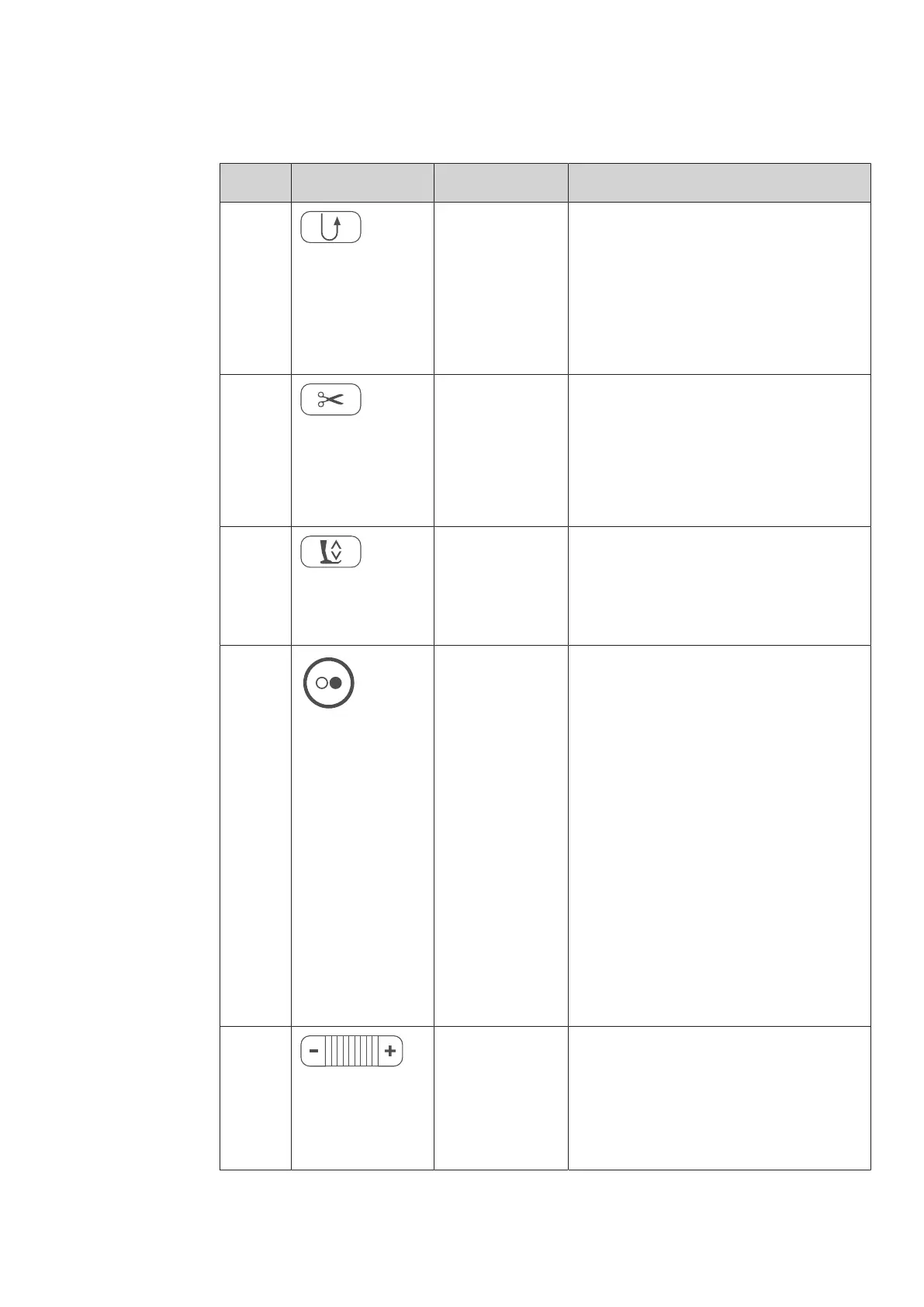
1 Quick reverse > «Keep Quick reverse »pressed to sew in
reverse.
> Touch the icon «Quick reverse» to sew
permanently in reverse.
«Quick reverse» doesn't work with the stitch
patterns 22-24 and with the buttonhole
patterns 51-71.
2 Thread cutter > Press the «Thread cutter» button in order
to cut the upper and lower threads
automatically.
2-6 securing stitches can be programmed in
the Setup-Program. These are sewn before the
thread is cut.
3 Presser foot up/
down
> Press the button «Presser foot up/down »to
raise the presser foot into hovering
position.
> Push the button «Presser foot up/down» to
raise the presser foot.
4 Start/Stop The button «Start/Stop» serves the purpose to
change the presser foot position and to start
the machine.
> To start the machine, keep the button
«Start/Stop» pressed for 2seconds.
Sewing mode
> Press the button «Presser foot up/down» to
raise the presser foot into hovering
position.
Embroidery mode
> To bring the presser foot to its highest
position, quickly press «Start/Stop» in the
embroidery mode.
> Press the button «Presser foot up/down»
again to move the presser foot into
hovering position.
5 Slide speed control The sewing speed can be adjusted infinitely
variable with the slide.
> Move the slide to the left to reduce the
sewing speed.
> Move the slide to the right to increase the
sewing speed.



 To Next Page