Machine Setup
10
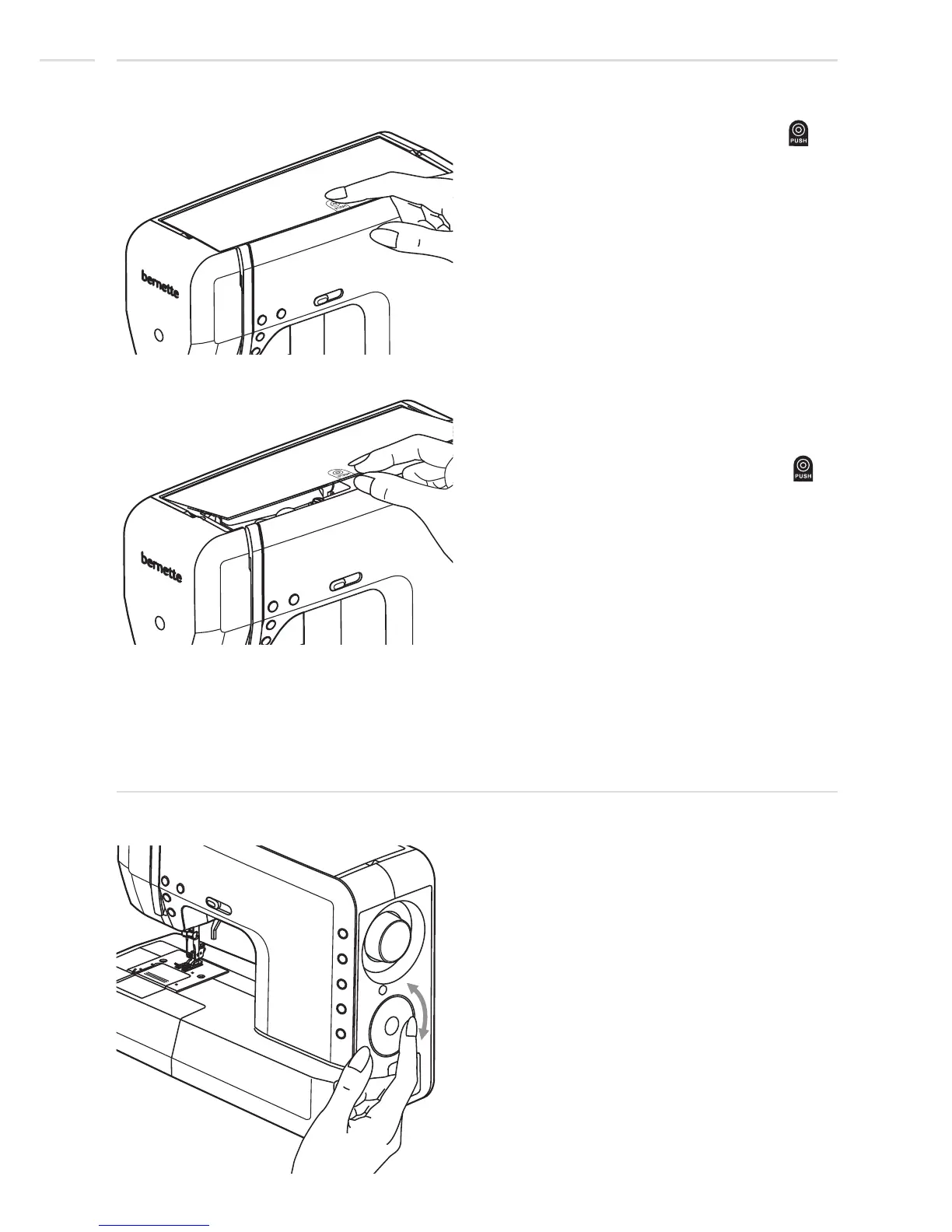
Push-Push Top cover
Stitch selector wheel
Press with your finger on the symbol " "
and the top cover jumps up.
Touch with your finger at the outer rim of the
stitch selector wheel and scroll forward /
backward.
Fold up the top cover.
To close the top cover, fold down the top
cover and press again on the symbol " ".











 To Next Page