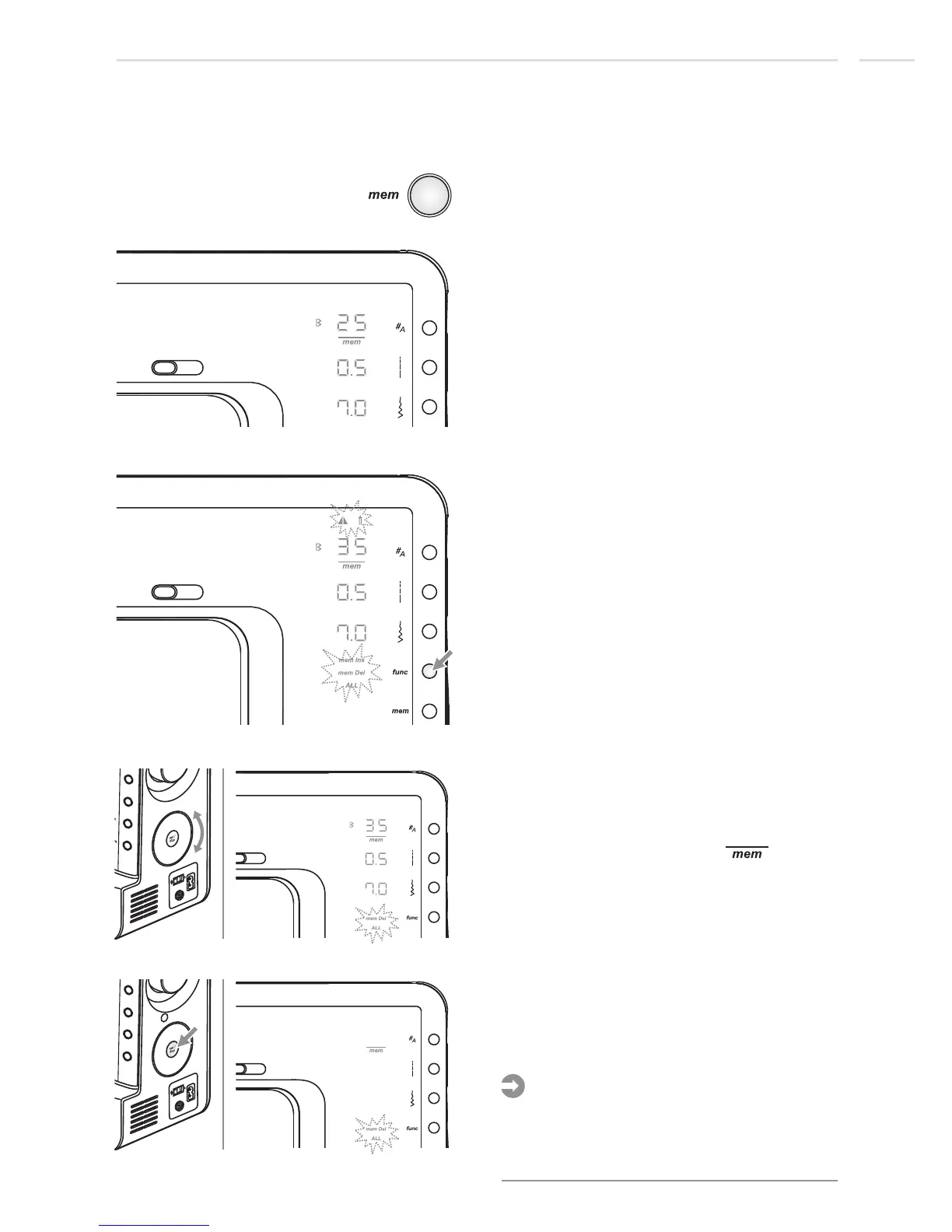
Press function button to open function
program.
2nd memory position
Use selector wheel to scroll to the mem
delete ALL function and press set/disp
button.
The display blanks with only " " on and
mem Del ALL flashing for confirmation.
2nd memory position
Press set/disp button again and hold for 2
seconds until the machine beeps.
The memory is deleted and the machine
switches into the Memory Enter Mode.
If any other button was pressed or if set/disp
button was pressed too short the machine
returns into the Memory Review/Edit Mode
and the Memory is retained.
Please Note:
2nd memory position
Special Functions
77
Memory Editing functions -
Delete ALL
Press the memory button to enter the
Memory Review/Edit Mode, the screen
shows the stitch of the 1st memory position.
1st memory position











 To Next Page