Technical Manual - BESV CF1
11
Firmware version information
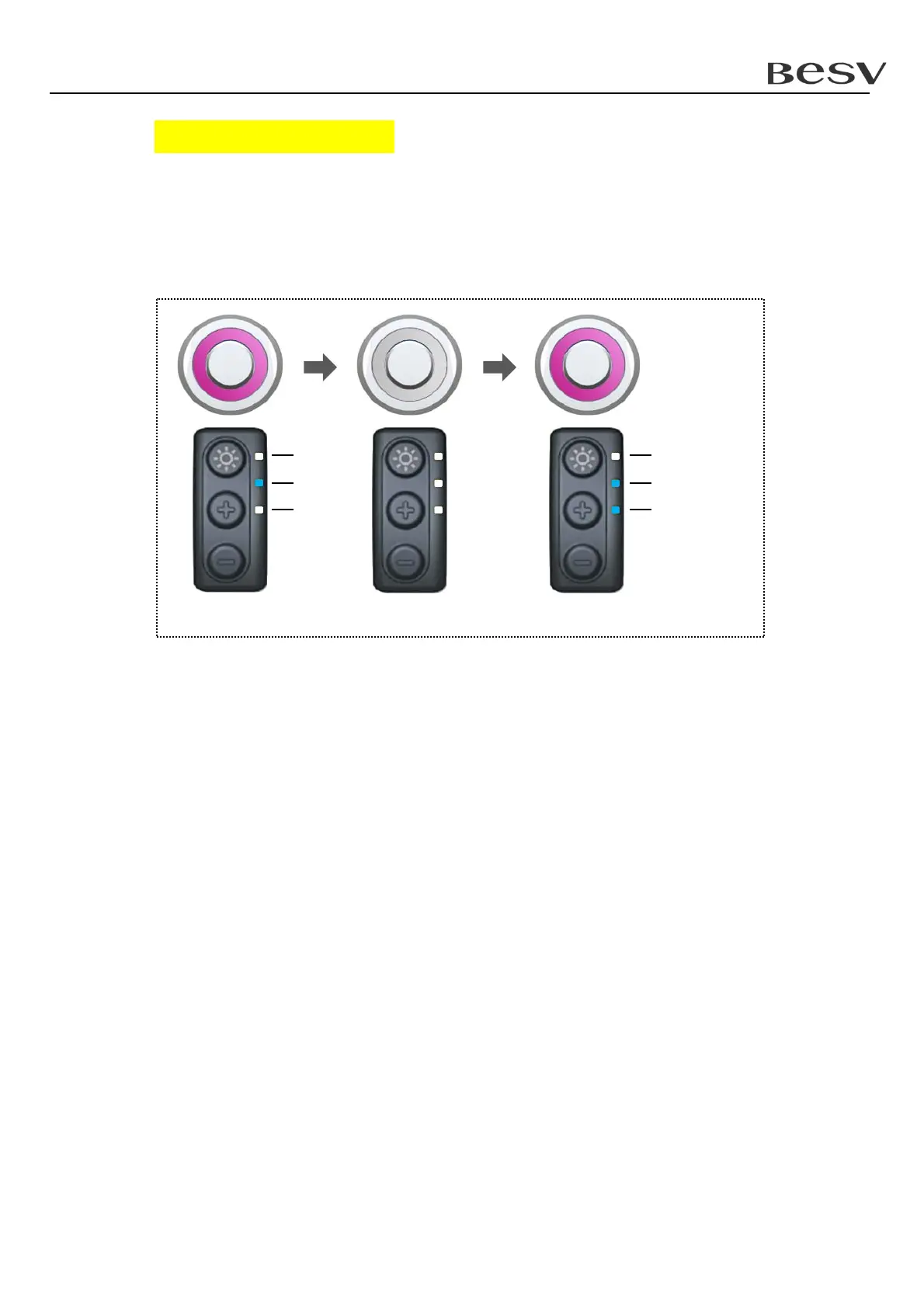
After entering "version information", the "status indicator" will keep flashing with
purple color. At the same time, "assistance indicator" will show main version and
sub version sequentially.
For example : firmware version is 1.003
2
1
2
0
2
2
2
1
2
0
2
2
Main version : 2
0
= 1 Subversion: 2
0
+ 2
1
= 3



 To Next Page