Technical Manual - BESV CF1
10
2.2.2 Operation
Turn on/off system
One click the power button and then the system will be turned on immediately.
When power is on, push the power button for 3 seconds and the system will turn off.
Note 1 : Start action is blue-breathing led on status indictor and marquee led on
assistance level indictor.
Note 2 : The system turns off automatically after no operation for 3 minutes.
Turn on/off front and rear light
Using front/rear light button can turn on/off the light on bike. Front light has two
intensities, adjust it to full or half by pressing the light button again and again.
Assistance level setting
There are 3 different assistance levels can be chose by user. According different
conditions on road, press [+] or [-] button to adjust assistant.
※ [
+
]:Increase [
-
]:Decrease
Firmware version in HMI\Controller requiring
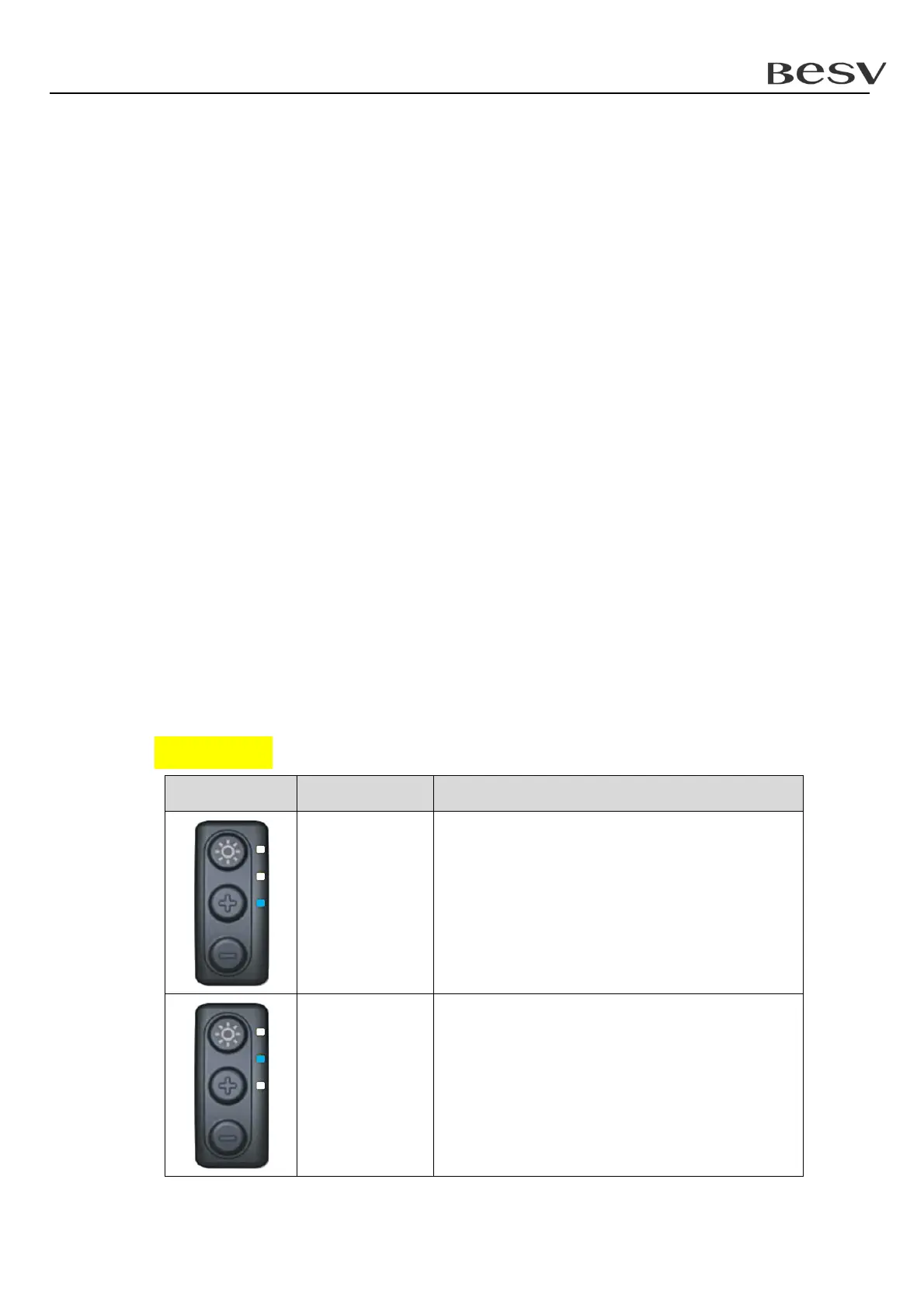
The system will enter function mode after pressing [+] and [-] button for 3 seconds.
Please press [+] or [-] button to select the firmware version in which device you
want to know. Then press light button to enter the relative mode.
Function page
Display Function page Description
1 Require firmware version in HMI.
2 Require firmware version in controller.


 To Next Page