BT-1 user manual
Page 18 of 70
Aligns all the data in one line to the specified position.
n selects the justification as follows:
0,48
1, 49
2, 50
[Note]
Left justification
Centering
The command is enabled only when processed at the beginning of
the line in standard mode.
This command executes justification in the printing area.
This command justifies the space area according to HT, ESC $.
ABC
29 76 nL nH
1D 4c nL nH
Hexadecimal:
0≤nL≤255
0≤nH≤255
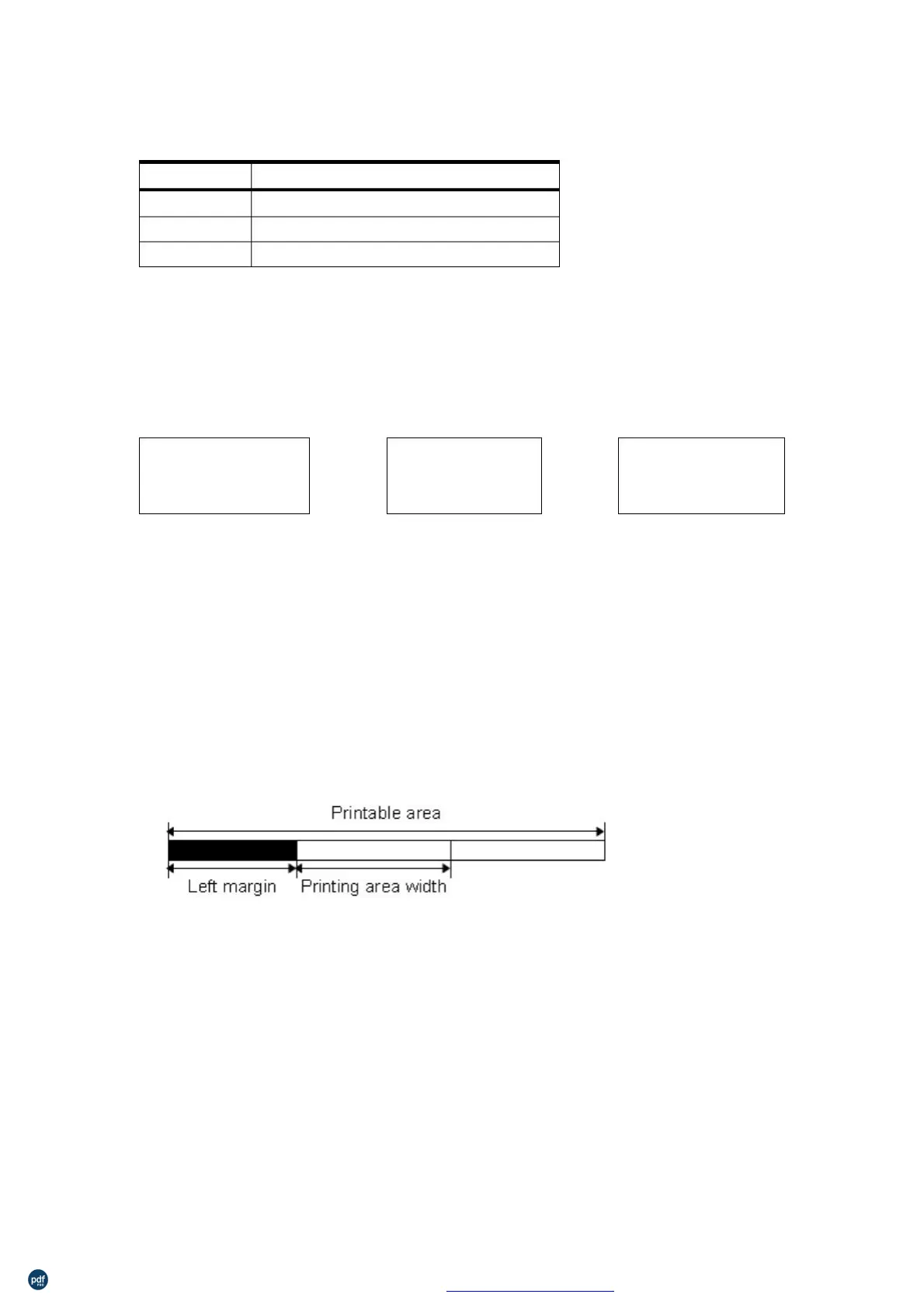
Sets the left margin using nL and nH.
The left margin is set to [(nL+nH×256) ×0.125 mm].
λ
This command is effective only when processed at the beginning of
the line in standard mode.
If the setting exceeds the printable area, the maximum value of the
printable area is used.
Set left blank char numbers
ASCII:
利用 pdfFactory Pro 测试版本创建的PDF文档 www.pdffactory.com



 To Next Page