BT-1 user manual
Page 30 of 70
57 n
39 n
Select Chinese code format, n from the character code table as follows:
This version is not support English.
27 42 m n1 n2 d1 d2 … dk
1B 2A m n1 n2 d1 d2 … dk
Hexadecimal:
m =0,1,32,33
nL=0-255
nH=0-3
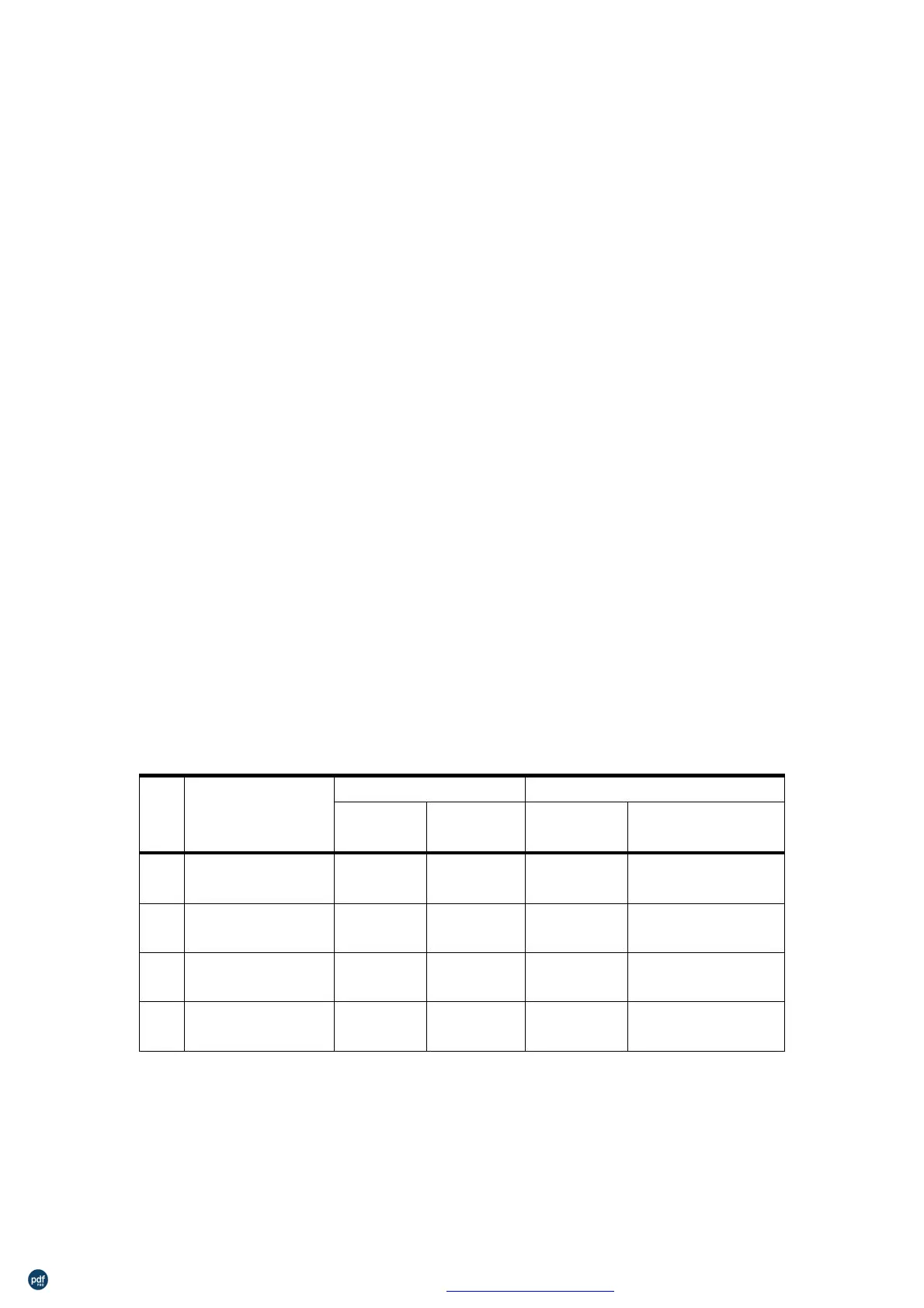
Selects a bit-image mode using m for the number of dots specified by nL
and nH, as follows:
Dot Number of Data
of Dots
8
8
67.7 dpi
67.7 dpi
203.2 dpi
203.2 dpi
nL+nH×256
nL+nH×256
single-density
8-dot
203.2 dpi
101.6 dpi
203.2 dpi
double-density
24-dot
24
24
(nL+nH×256)×3
(nL+nH×256)×3
single-density
24-dot
If the value of m is out of the specified range, nL and nH the data
following are processed as normal data.
The nL and nH indicate the number of dots in the bit image in the
horizontal direction. The number of dots is calculated by nL+
nH×256.
利用 pdfFactory Pro 测试版本创建的PDF文档 www.pdffactory.com



 To Next Page