BT-1 user manual
Page 31 of 70
λ
λ
λ
If the bit-image data input exceeds the number of dots to be printed
on a line, the excess data is ignored.
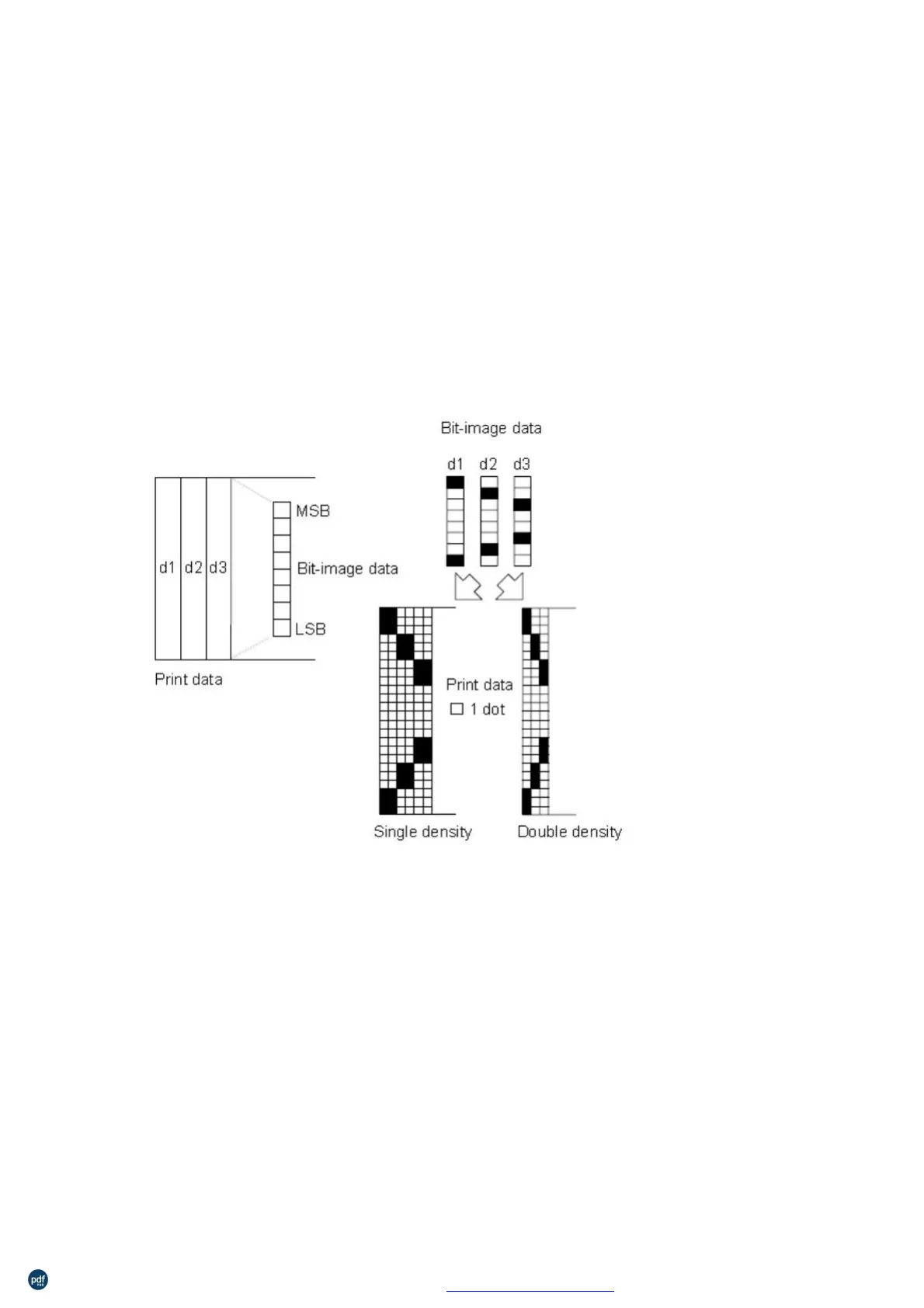
d indicates the bit-image data. Set a corresponding bit to 1 to print a
dot or to 0 not to print a dot.
After printing a bit image, the printer returns to normal data
processing mode.
This command is not affected by print modes (emphasized,
double-strike, underline, character size, or white/black reverse
printing), except upside-down printing mode.
λ
The relationship between the image data and the dots to be printed
is described in Figure 3.11.3.
dot bit image is selected:
dot bit image is selected:
利用 pdfFactory Pro 测试版本创建的PDF文档 www.pdffactory.com



 To Next Page