BT-1 user manual
Page 43 of 70
29 72 n
1D 48 n
Selects the printing position of HRI characters when printing a bar code. n
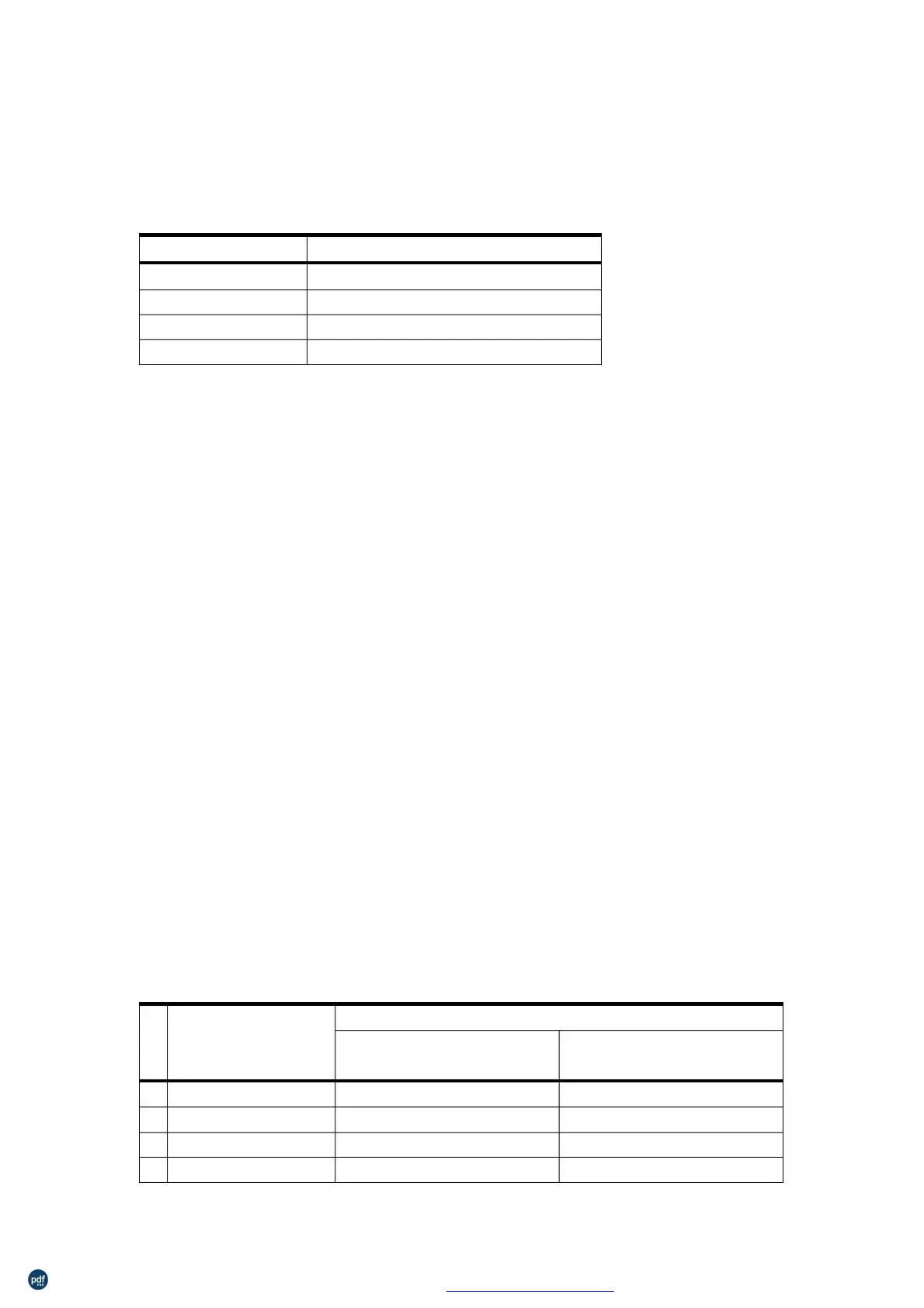
selects the printing position as follows:
0, 48
1, 49
2, 50
3, 51
Above the bar code
Below the bar code
Both above and below the bar code
HRI indicates Human Readable Interpretation.
HRI characters are printed using the font specified by GS f.
n=0
[Default]
[Reference]
29 104 n
1D 68 n
Hexadecimal:
0≤n≤255
Selects the height of the bar code.
n specifies the number of dots in the vertical direction.
GS w
29 119 n
77 n
Decimal:
Hexadecimal:
2≤n≤6
Sets the horizontal size of the bar code.
n specifies the bar code width as follows:
for Multi-level Bar
2
3
4
5
0.250
0.375
0.560
0.625
0.250
0.375
0.500
0.625
0.625
1.000
1.250
1.625
利用 pdfFactory Pro 测试版本创建的PDF文档 www.pdffactory.com



 To Next Page